Cloud storage pricing: monthly equivalents, annual payments and shared capacity
Work through Google One JPY examples over 12 and 13 months, separating monthly equivalents, prepaid cash, shared capacity and AI benefits with a browser-only calculator.
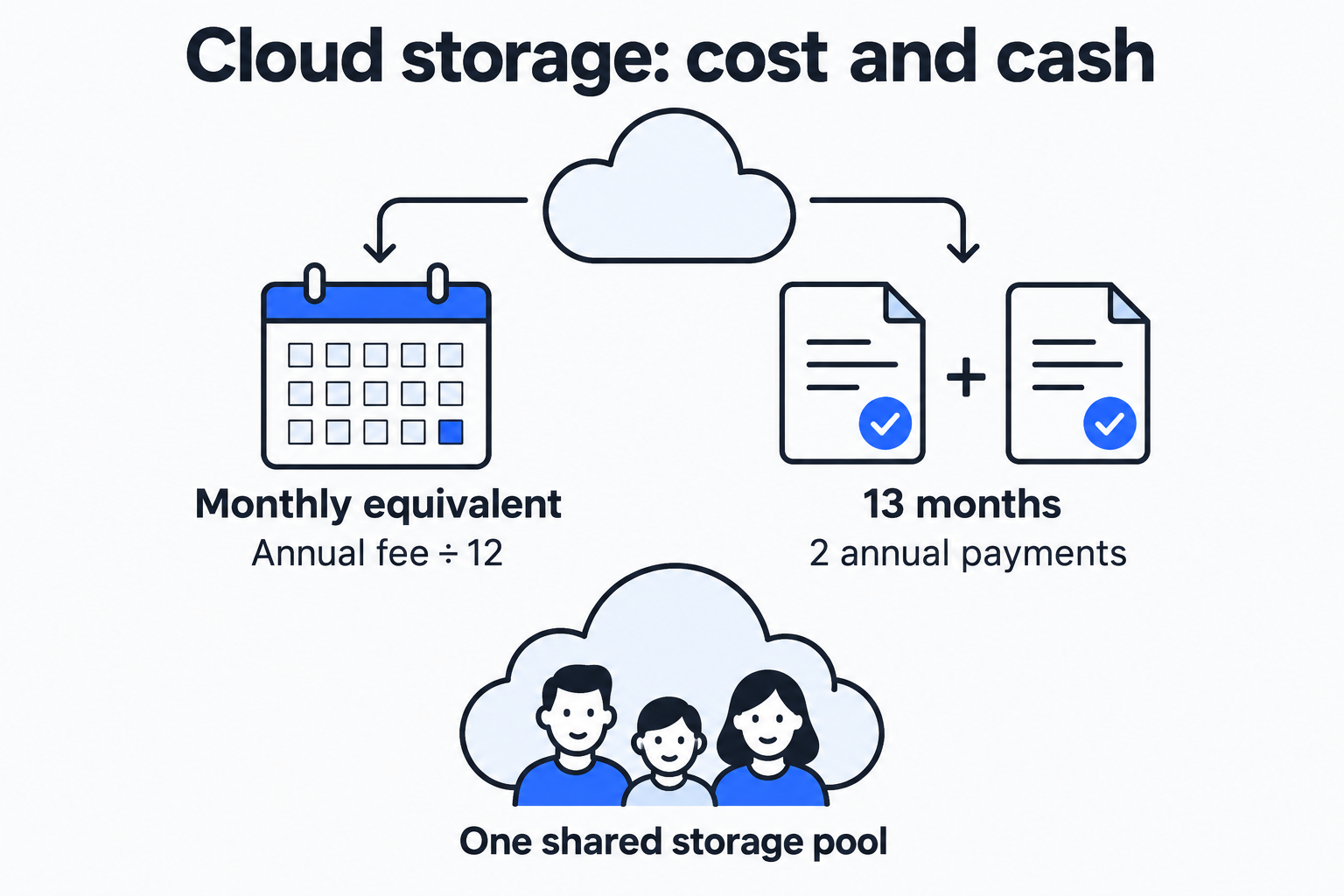
A 2 TB plan costs JPY 1,450 per month or JPY 14,500 per year. Over a full year, annual billing saves JPY 2,900. Keep the plan for 13 months and renew annually, however, and cash paid reaches JPY 29,000; monthly billing costs JPY 18,850. Both comparisons are correct. The time horizon changes the result.
Before choosing cloud storage, write down three numbers: total capacity needed, months of continuous use, and the amount charged on each bill. The cloud storage cost calculator compares 2–5 plans in one currency. This walkthrough starts with official prices, then adds capacity and bundled benefits to the decision.
Turn a quote into usable inputs
On October 5, 2026, the public response from the official Google One plans page returned these JPY prices. Monthly figures appeared in the page content; annual figures came from plan data in the same public response. These are JPY examples returned in this reading environment. Use your own checkout amount for another market, account or billing channel.
| Plan | Advertised total capacity | Monthly payment | Annual prepayment |
|---|---|---|---|
| Basic | 100 GB | JPY 290 | JPY 2,900 |
| Google AI Plus | 2 TB | JPY 1,450 | JPY 14,500 |
| Google AI Pro | 5 TB | JPY 2,900 | JPY 29,000 |
These are the plans used in this example. Enter the advertised total capacity once per plan. Check whether tax is included, an offer applies only to the first term, or the renewal price changes. The calculator repeats one fixed bill amount; different introductory and renewal prices need separate calculations.
Assume one person needs 150 GB for 12 continuous months. Four rows let us compare both capacity tiers and billing periods:
| Input name | Capacity | Billing | Amount per bill | Currency |
|---|---|---|---|---|
| Basic annual | 100 GB | Annual | 2900 | JPY |
| Plus monthly | 2 TB | Monthly | 1450 | JPY |
| Plus annual | 2 TB | Annual | 14500 | JPY |
| Pro annual | 5 TB | Annual | 29000 | JPY |
Names simply identify the rows. Enter the actual bill amount: the annual Plus row takes 14500, not its advertised monthly equivalent of about 1,208.
Calculate monthly equivalents and cash separately
Let P be the amount per bill, B the months covered by each bill, and M the comparison period in months. Monthly billing has B = 1; annual billing has B = 12.
Monthly equivalent = P / B
Number of bills = ceil(M / B)
Cash paid over the period = number of bills × P
Cost per 100 GB per month = (P / B) × 100 / capacity in GB
ceil rounds upward. The model starts a new billing cycle, keeps the plan continuously, and assumes an unchanged renewal price. It does not model an existing subscription halfway through its term, upgrade credits or daily refunds.
For annual Plus, the intermediate steps are:
14,500 / 12 = 1,208.333… JPY per month
ceil(12 / 12) = 1 bill
1 × 14,500 = 14,500 JPY
1,208.333… × 100 / 2,000 = 60.4166… JPY per 100 GB per month
The calculator normalizes capacity using decimal 1 TB = 1,000 GB. This is a comparison convention. Providers and operating systems may count bytes differently, so check actual usage before moving files.
The four rows produce these 12-month results:
| Plan and billing | Monthly equivalent, approx. JPY | Cash paid over 12 months, JPY | Per 100 GB/month, approx. JPY | Enough for 150 GB? |
|---|---|---|---|---|
| Basic annual | 242 | 2,900 | 241.67 | Short by 50 GB |
| Plus monthly | 1,450 | 17,400 | 72.50 | Yes |
| Plus annual | 1,208 | 14,500 | 60.42 | Yes |
| Pro annual | 2,417 | 29,000 | 48.33 | Yes |
Calculations retain exact fractions until display. JPY bills and monthly equivalents display as whole yen; the per-100-GB comparison rate uses two decimal places. Do not multiply a rounded monthly equivalent by 12 to recover the annual bill: 1,208 × 12 = 14,496, four yen short.
Basic has the lowest total price but lacks 50 GB. Pro has the lowest cost per unit of capacity but requires twice the annual prepayment of Plus. For this person, sufficient capacity, an acceptable payment amount and useful features all matter.
Change the period to 13 months
Keep the four plans and change only the month count. Monthly billing now needs 13 payments; annual billing needs two:
| Plan and billing | Number of bills | Cash paid over 13 months, JPY |
|---|---|---|
| Basic annual | 2 | 5,800 |
| Plus monthly | 13 | 18,850 |
| Plus annual | 2 | 29,000 |
| Pro annual | 2 | 58,000 |
For annual Plus, ceil(13 / 12) = 2. The second payment buys service through month 24, leaving 11 prepaid months at the end of month 13. This measures the cash needed to maintain continuous service; those remaining months may still be useful.
Google One’s refund policy says purchases are non-refundable in most countries or regions, with storage retained for the subscription term after cancellation. Regional and billing-channel exceptions can apply. Check your contract before budgeting for a refund: the ability to cancel does not imply that an annual payment is refundable month by month.
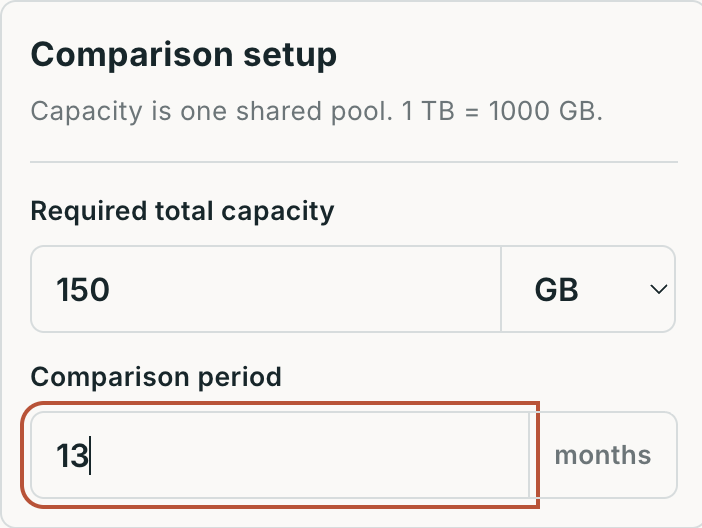
Change the period to 13 months, keep the 150 GB requirement, then recalculate.
Keep shared capacity and AI benefits beside the cost table
Google One can be shared with up to five family members, who must live in the same country as the manager. They share a storage pool: three people using a 2 TB plan do not turn it into 6 TB. Personal space fills first, then shared space is used; files remain private unless explicitly shared. Estimate demand from actual usage in the storage manager.
AI Plus and Pro also bundle different benefits. Some AI limits are pooled across the family; some benefits belong only to the manager. Check the official family-sharing guidance for each benefit. The calculator assigns no monetary value to them.
Write down the features you will actually use beside the cost table, such as automatic photo backup, device syncing or a particular AI allowance. Confirm availability, then compare plans that meet your capacity requirement. Price per 100 GB explains scale, but it cannot measure the value of those features to you.
Recalculate with your own quotes
Open the calculator, enter total capacity needed and a period of 1–60 months, then add 2–5 plans. Use one currency throughout. Mixed currencies such as USD and JPY are rejected; the tool does not convert exchange rates. Type ordinary decimal numbers for amounts, choose currency separately, and select GB or TB for capacity.
Check capacity first, then cash paid and monthly equivalents. Recalculate after changing inputs and download the results as CSV for your comparison record. Inputs and calculations stay in the browser. You enter the prices yourself and must re-enter them after refreshing the page.
For introductory offers, additional taxes, tiered traffic charges, usage billing, upgrade credits or changing renewal prices, work through the components separately. This fixed-cycle model suits personal storage subscriptions. Object-storage request fees, egress charges and enterprise contracts need a different cost model.