Solar panel cost: check quote line items, fixed fees and rounding
Check an existing solar quote with two synthetic worked examples, explicit units and fixed fees, and a browser-only calculator that rounds each material line before summing.
A solar panel quote may end with one total while its rows mix “8 pieces,” “25 meters” and “installation, one job.” A common arithmetic mistake is multiplying a bundled price by a quantity again, or adding an installation charge already included elsewhere.
I built a solar quote line-item calculator for checking a quote you already have. Enter quantities, units, unit prices and fixed fees to produce line amounts, two subtotals and a total. Both worked examples below are synthetic arithmetic examples. Their amounts were chosen for easy checking; they provide no market pricing or installation advice.
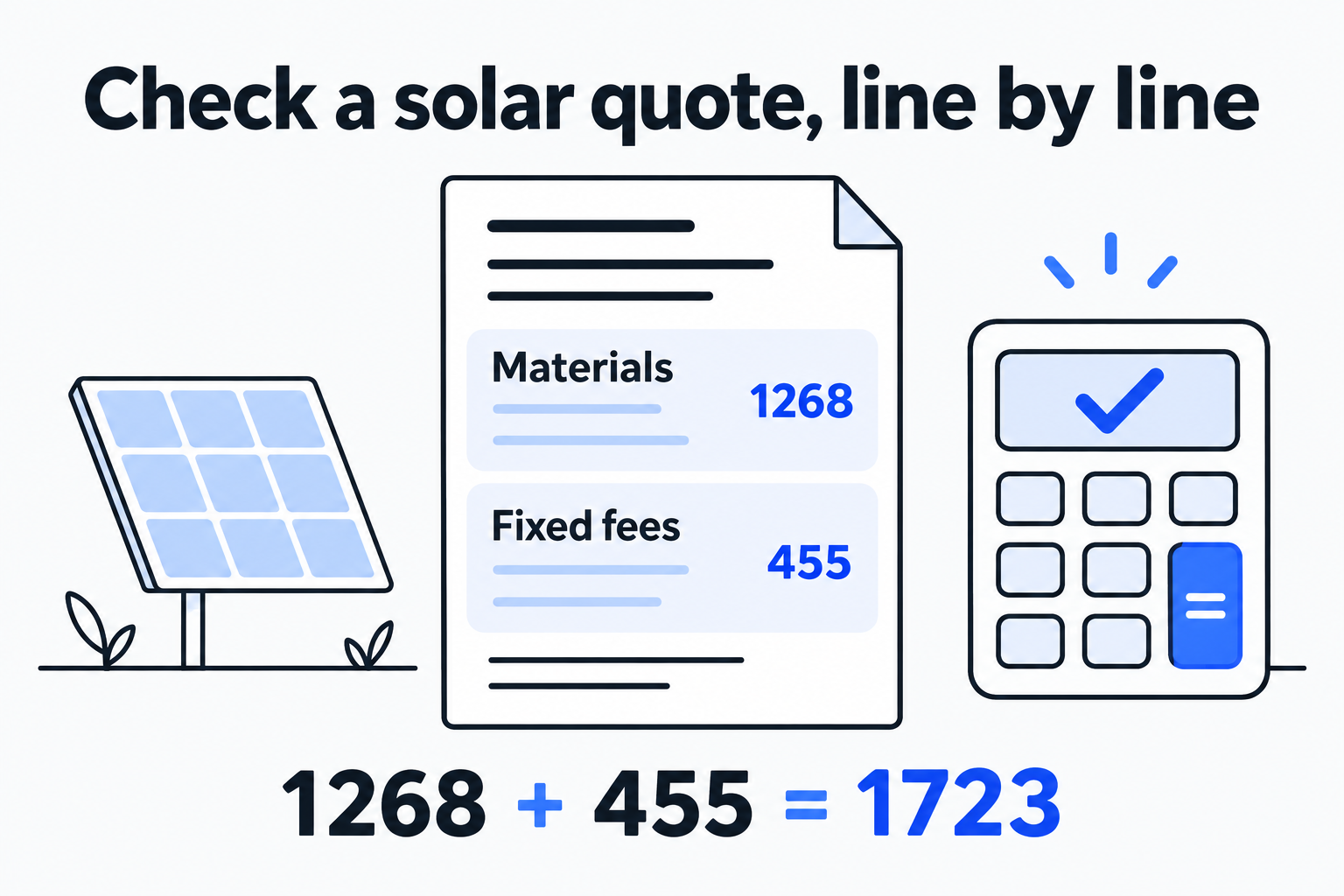
Check quantity-based materials separately from whole fixed fees.
Identify what each number means
A material row needs an item name, unit, quantity and price per unit. A quote for 25 meters of cable at USD 2.40 per meter gives 25 × 2.40. If it says “one cable pack, USD 60,” enter pack as the unit, quantity 1 and unit price 60. Do not multiply that pack price by 25 meters again. Units are text labels: the tool does not convert meters, feet, panels or boxes.
Enter a fixed fee as one whole amount, such as installation USD 420.00 or delivery USD 35.00. Add it once. If a supplier gives a bundled amount covering materials and labor, put the known bundle amount in fixed fees and describe its undisclosed components in the notes. Guessing an allocation would remove the link to the original quote.
Use one currency per check. The calculator supports USD, SGD, EUR, GBP and JPY without exchange conversion. Check quotes in different currencies separately. A currency comparison needs its own exchange-rate source, timing and fee assumptions.
Example one: three materials and two fixed fees
This synthetic example uses USD throughout. “Load synthetic example” enters the same values in the tool.
| Material | Unit | Quantity | Unit price (USD / unit) | Line amount (USD) |
|---|---|---|---|---|
| Solar panels | piece | 8 | 125.50 | 1004.00 |
| Rails | piece | 16 | 12.75 | 204.00 |
| Cable | m | 25 | 2.40 | 60.00 |
The intermediate calculations are easy to check on paper: 8 × 125.50 = 1004.00, 16 × 12.75 = 204.00 and 25 × 2.40 = 60.00. The materials subtotal is therefore 1004.00 + 204.00 + 60.00 = 1268.00.
| Fixed fee | Amount (USD) |
|---|---|
| Installation | 420.00 |
| Delivery | 35.00 |
| Fixed fees subtotal | 455.00 |
The total is 1268.00 + 455.00 = 1723.00. The note reads “Permit fee unconfirmed; battery excluded.” The result is labelled “Total of entered items.” An unpriced permit fee stays in the notes rather than being assigned a zero price.
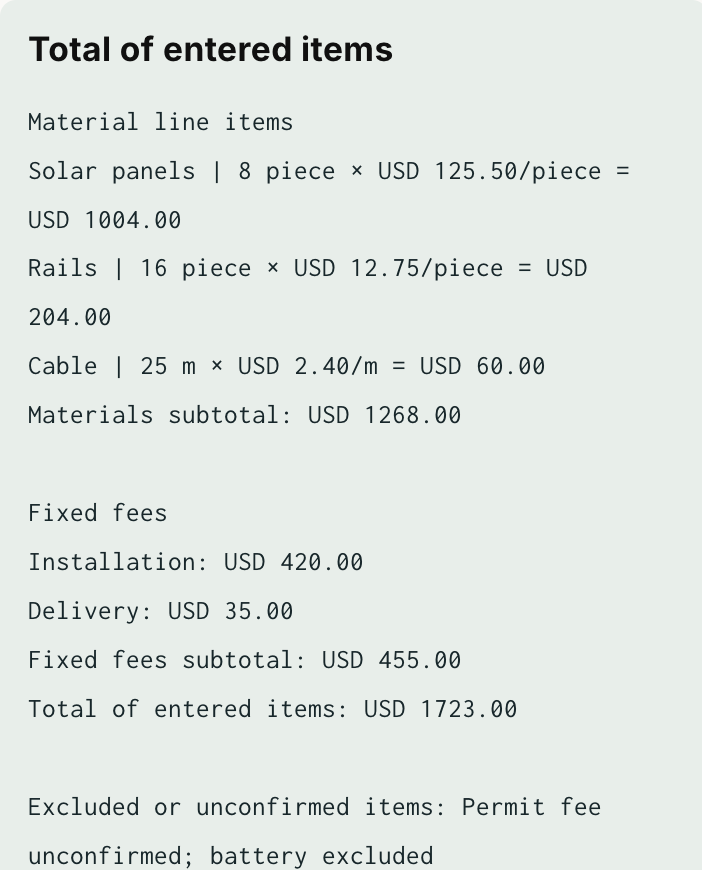
The synthetic example breakdown in the actual English interface.
If the total differs from the supplier’s figure, match each line to the original before checking the fixed fees. If the material package already includes installation, adding another USD 420.00 brings the entered total to USD 2143.00. Correct arithmetic can still rest on duplicate inputs. The tool cannot infer overlapping scope from item names.
Example two: fractional quantities and rounding by line
Unit prices may use finer precision than cents, and measured lengths may be fractional. This second example is also synthetic:
| Material | Unit | Quantity | Unit price (USD / unit) | Exact product (USD) | Displayed line amount (USD) |
|---|---|---|---|---|---|
| Rail | m | 1.25 | 3.3333 | 4.166625 | 4.17 |
| Cable | m | 2.5 | 1.005 | 2.5125 | 2.51 |
| Connector | piece | 1 | 0.005 | 0.005 | 0.01 |
Multiply each row, then round to two USD decimal places, with an exact half-cent rounded up. The materials subtotal is 4.17 + 2.51 + 0.01 = 6.69. Add a delivery fee of USD 7.50 for a total of USD 14.19.
The chosen rule is round each line, then sum. Two separate USD 0.005 lines each round to USD 0.01, giving USD 0.02. Adding the exact products before rounding would give USD 0.01. Establish the supplier’s rounding rule before reconciling a document. A cent difference caused by different rules does not automatically establish an error in the quote.
JPY uses whole amounts: 1 × 100.5 displays JPY 101. USD, SGD, EUR and GBP use two decimal places. Fixed fees must already have the selected precision, so USD 7.505 or JPY 100.5 is rejected as a fixed fee. Confirm the final fixed amount from the original document first.
Keep decimal inputs in integer arithmetic
JavaScript’s ordinary Number values use binary floating point, which can introduce representation error in decimal operations such as 0.1 + 0.2. MDN’s Number.EPSILON explanation shows that example. Applying toFixed(2) formats an existing result; it does not decide where the quote should be rounded.
This calculator parses quantities and prices into BigInt integers scaled by 10,000. For example, 1.25 → 12500 and 3.3333 → 33333. Their product, 416662500, represents 4.166625 in the original currency. Converting that product to USD cents uses a divisor of 1,000,000. Add half the divisor before integer division to obtain 417 cents. Sum integer minor units without converting displayed amounts back to floating point.
Quantities and unit prices are limited to 0–1,000,000 with up to four decimal places. There are 1–12 material rows and 0–8 fixed fees. These are calculator limits, not equipment or market parameters. 0 means a known zero; a blank field is incomplete. Only decimal-point notation is accepted. Commas such as 1,000 or 1,25, exponents such as 1e3, negative numbers, NaN and Infinity are rejected to avoid guessing their meaning. Changing any input clears the previous breakdown; select “Check total” again to generate a current result.
Reconcile the breakdown with the original
Copy rows with their names and units, then record omissions. Zero-quantity and zero-price rows remain in the breakdown so you can see what was explicitly recorded. If you need more rows, organize the source quote into groups within the supported limit and keep the grouping basis.
The excluded-items note can mention permits, tax, shipping, batteries or upgrades, using facts stated in the quote or still awaiting confirmation. A known whole tax amount may be entered as a fixed fee. The calculator does not derive tax, subsidies or policy amounts from a location or rate. Discounts and refunds require negative adjustments, which this version does not support. Keep the original net amount and adjustment explanation, and enter it only when the representation is accurate.
Copy the breakdown or download a TXT file containing quantities, units, prices, line amounts, subtotals, total and notes. Names, inputs and results are not uploaded or saved in persistent browser storage. If JavaScript is disabled or its module does not load, the calculate button remains disabled with a readiness message.
Check the TXT alongside the original quote: do line amounts match, do materials and installation overlap, and are unknown fees still recorded in the notes? Generation forecasts, equipment matching, engineering design and investment returns need different evidence. This check establishes how the entered amounts form the total.