Turn word lengths into pixel art: explicit tokens, code points and inspectable exports
Use one mixed-language passage to compare whitespace tokens with Unicode code points, then inspect row width, bounded brightness, PNG output and its matching CSV.
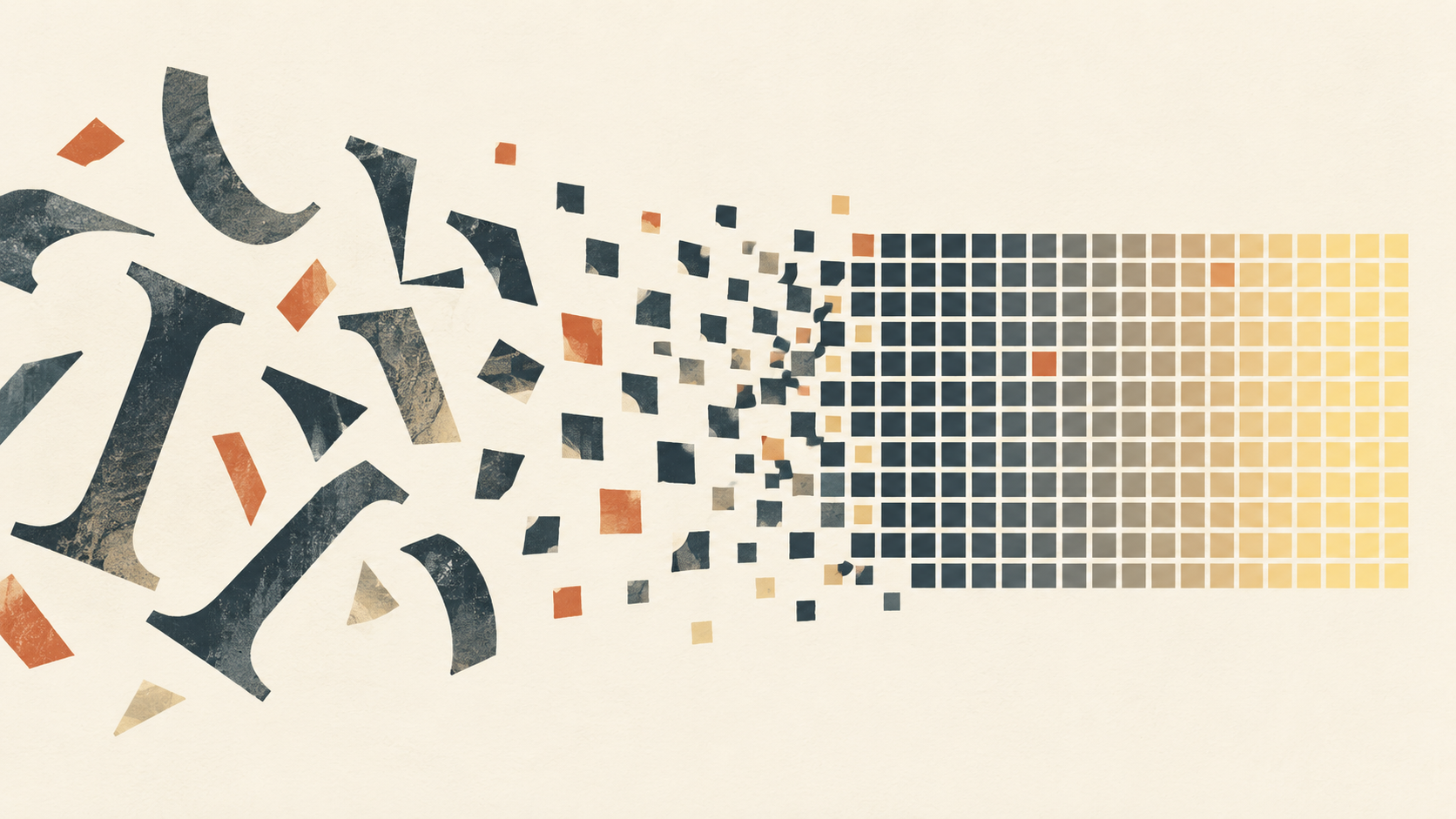
How can a paragraph become pixel art that can still be checked? This tool makes the rule for each cell explicit: first choose what counts as a unit, then count its Unicode code points, then fold that length into a finite set of brightness levels. The output is not prompt-generated imagery and it does not promise a portrait. It is a text encoding whose squares can be traced back to the source.
This walkthrough uses the default sample in the word-length pixel art tool. Text, previews, PNG output and CSV output stay in the browser. The files and image below are reproducible snapshots from the same local run.
Small texts make visible maps.
中文词和English words share one stated rule.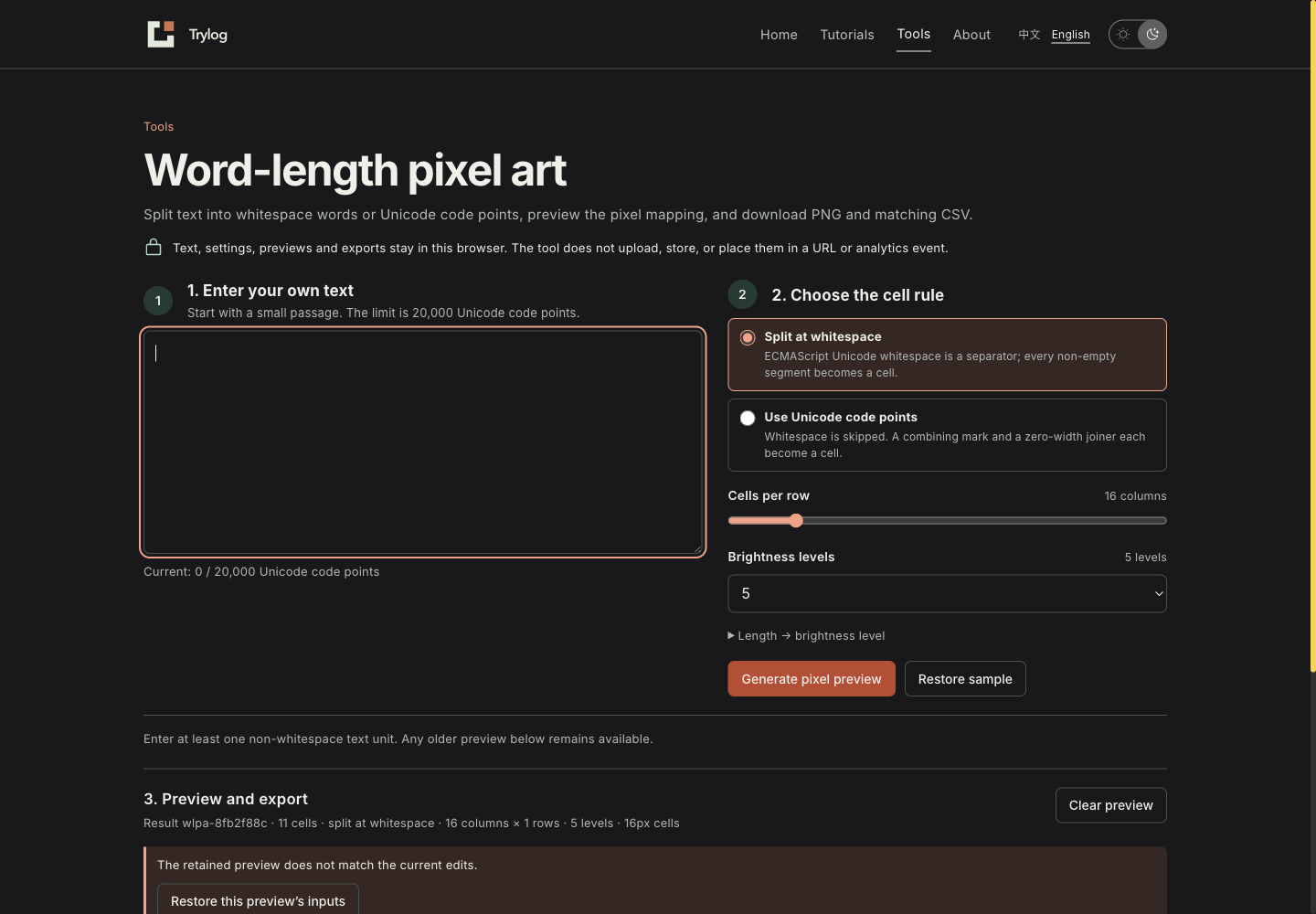
After an invalid edit, the English interface retains the earlier preview. “Restore this preview’s inputs” restores the source text and settings for that result without generating again or replacing its ID.
Choose the unit before the pattern has meaning
The default Split at whitespace rule separates the source with JavaScript /\s+/u; runs of whitespace are separators rather than cells. Spaces and newlines do not become squares. The sample has 71 Unicode code points, 10 of which are separator whitespace, leaving 11 cells:
| Index | Cell | Code-point length | Brightness at five levels |
|---|---|---|---|
| 1 | Small | 5 | 5 |
| 2 | texts | 5 | 5 |
| 3 | make | 4 | 4 |
| 4 | visible | 7 | 5 |
| 5 | maps. | 5 | 5 |
| 6 | 中文词和English | 11 | 5 |
| 7–11 | words through rule. | 3–6 | 3–5 |
Brightness is min(code-point length, brightness-level count). Both the seven points in visible and the eleven points in the mixed Chinese-English cell land at level five. The original length has not disappeared: the CSV keeps every cell’s full code-point length and index. At the default width of 16, the 11 cells occupy one row with 16 px cells. Download the default PNG and its matching CSV to inspect the run.

Use Unicode code points does something different. It obtains code points with Array.from(text), then skips whitespace. This passage becomes 61 one-point cells. A combining mark and a zero-width joiner are each cells; this is deliberately not a segmentation by the user-visible grapheme cluster. Unicode UAX #29 defines boundaries including grapheme clusters, and this tool does not apply those boundaries. The Array.from() reference describes how it consumes a string’s iterable sequence. The tool never calls UTF-16 String#length a character count.
The choice changes the picture substantially. Words make cell count depend on spaces; code points give Chinese characters, Latin letters, punctuation, combining marks and joiners their own positions. Either can be useful when the export states which rule created it.
Row width and brightness are visible adjustments
Starting from the default result, change Cells per row from 16 to 10 and Brightness levels from five to three. The existing preview stays present, the panel marks it as out of date, and both download buttons say that they export the retained result. Restore this preview’s inputs brings back the source text, rule, row width and brightness level for that preview; it does not draw a new grid or replace the result ID. Generating again commits a new grid: the same 11 words span two rows at width 10, and every word three points or longer reaches level three.
The adjusted pair is available as a 10-column, three-level PNG and CSV. Switching to code-point mode while keeping 10 columns and three levels produces the code-point PNG and code-point CSV. Its length column is always one, but its row and column still map directly to every square in the grid.

Every CSV row repeats the result ID, rule, width, level count, source code-point count, total cell count, source index, row, column, cell text, code-point sequence, code-point length, brightness level and colour. That makes the CSV understandable even when opened away from the image. The short result-ID digest includes the raw source and settings; for example, adding one space to this sample changes the computed ID even though its whitespace-token cells stay the same.
The character class escape reference is the public reference for the /\s/ part of this rule. It helps explain why an invisible separator split a particular source; the CSV records the split that occurred for this input.
The limits protect the canvas without hiding the mapping
The first version accepts at most 20,000 Unicode code points of source text. The in-page mapping table intentionally shows the first 200 cells; its CSV still contains every cell, so a long table does not crowd the page while the underlying mapping becomes unavailable.
The canvas prefers 16 px cells, then reduces cell size for a tall grid so neither edge exceeds 8192 px and the bitmap stays at or below 16 million pixels. With the minimum width of eight and the maximum input size, there can be 2,500 rows. Every accepted cell still renders; it uses smaller cells and a scrollable frame around the canvas, without forcing a horizontal trip across the page.
Blank and over-limit input produce an inline error while any existing result, PNG and CSV remain available below. Drawing yields between batches; cancelling a near-limit run returns to the preceding valid preview. The implementation does not put input, results or filenames in the URL, local storage or analytics, and it has no text-upload path. Loading static page assets is separate from this text calculation.
Inspect text placement; do not treat it as an image-semantic model
This encoding only observes the selected unit’s length. maps. has five code points because of its full stop; remove the full stop and it has four, which can change one square’s brightness. Chinese, English and emoji can share the rule, but the pattern does not understand the sentence’s subject or infer a requested face or object from word lengths.
When the task is to compare how punctuation, newlines, words and code points change placement, start with a short passage you own, generate one result, adjust width or levels, and use the CSV to trace an unexpected square. A workflow that needs natural-language words, grapheme clusters or semantic weighting should first choose a rule for that job. The labels on this page do not stand in for those more complex analyses.
The PNG comes from an in-browser canvas conversion; HTMLCanvasElement.toBlob() documents that binary-image export interface. A download here is an inspection snapshot, not a file format for restoring a future session. Refreshing or closing the page does not retain the in-memory result.