Turn a hand-drawn sketch into an editable diagram: a draw.io XML test
Use one original three-node sketch to create draw.io XML, inspect its text and layout in diagrams.net, change one node, recover from a deliberately malformed XML editor error, and separate cloud inference from file storage.
Release decision is an original three-node sketch: Draft, Review, and Publish run horizontally and two arrows join them. The task here is to preserve its heading and layout after making it editable, change only the middle node, and return to a dependable baseline after bad input. I first wrote the sketch as draw.io-compatible mxGraph XML; then applied baseline XML through Extras > Edit Diagram… in the English diagrams.net editor, changed one node, saved the result from that XML panel, and recovered from one deliberately malformed XML input.
The test has one heading, Release decision; three nodes, Draft, Review, and Publish; and two left-to-right arrows. That small scope separates several easy-to-mix-up questions: whether a heading is duplicated, whether text and coordinates can be changed independently, whether one edit moves the rest of the layout, and whether there is a dependable return point when an import fails.
What I actually tested
The input was an original sketch with deliberately rough box lines and arrows. Its structure is clear: the heading is above the flow, three nodes run horizontally, and each arrow leads to the next node.
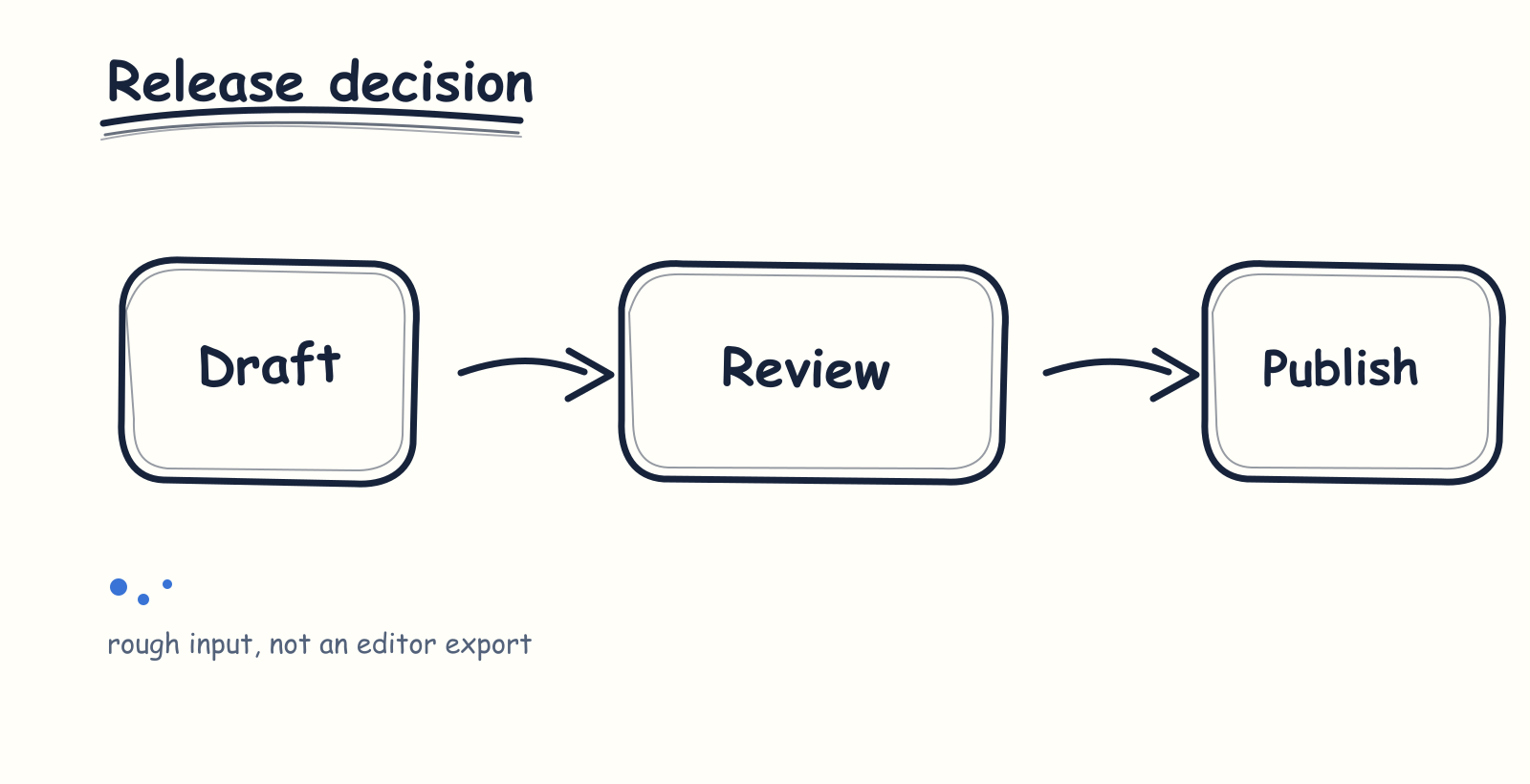
The original input: one heading, three nodes, and two arrows.
I visually inspected that image first, then turned it into these constraints:
| Information in the sketch | Result written to XML |
|---|---|
Release decision | One independent title cell, separate from the three nodes |
Draft → Review → Publish | Three rounded rectangles with stable IDs |
| Two horizontal arrows | Two edge cells, each joining adjacent nodes |
| Horizontal layout | Node origins at (100, 220), (430, 220), and (760, 220) |
The download set keeps the sketch and every intermediate state:
- Original sketch SVG
- Baseline XML file before the edit
- XML saved after changing the middle node to Check
- Broken sample used for the XML error check
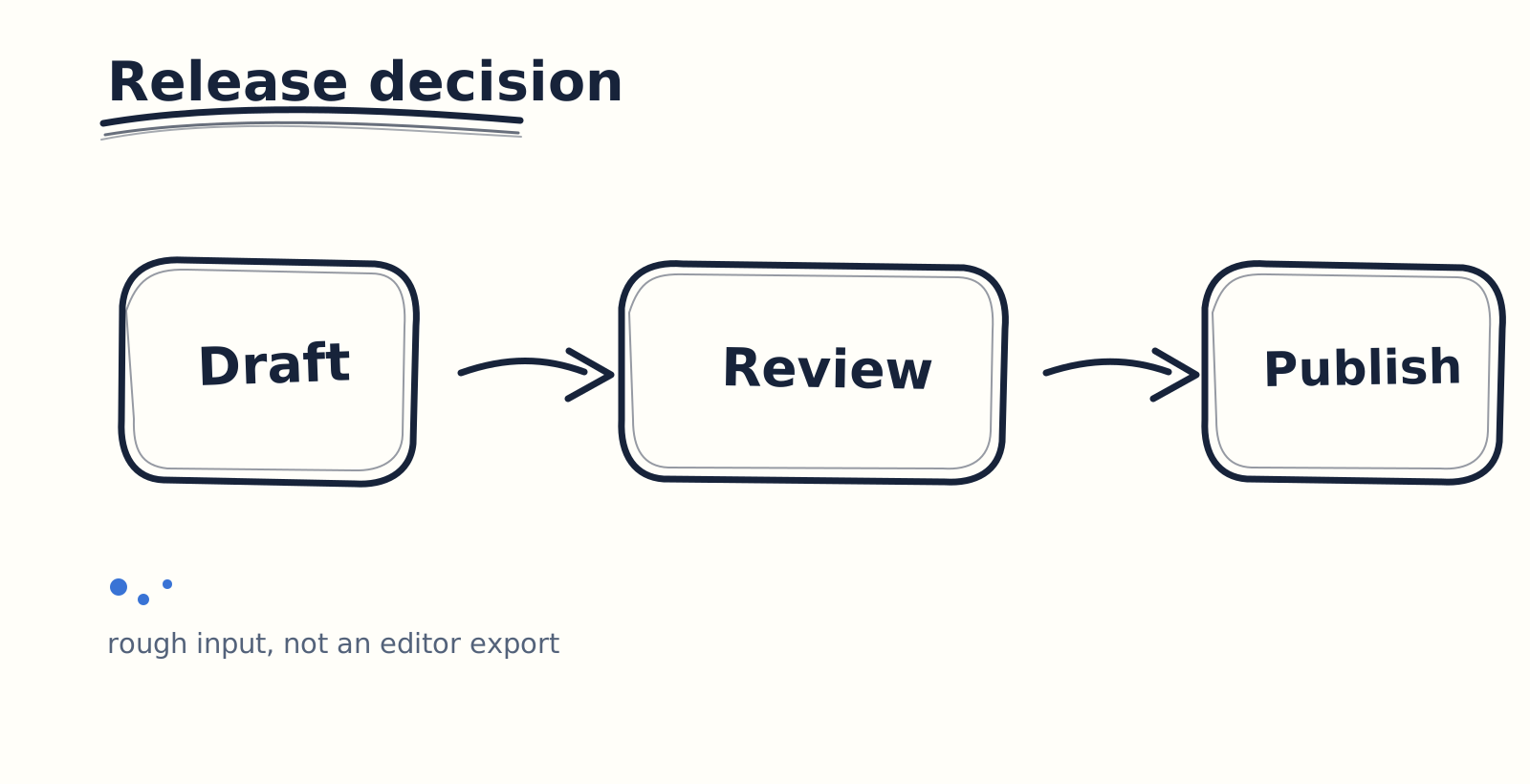
Here, “AI” means my cloud-based interpretation of this original sketch. diagrams.net displays and edits the XML. The intermediate artifact stores the title, nodes, edges, and geometry separately, allowing an editor to treat them as individual objects.
<mxCell id="review" value="Review" vertex="1" parent="1">
  <mxGeometry x="430" y="220" width="180" height="90" as="geometry"/>
</mxCell>
This is why reducing a sketch to a small diagram contract helps. State one title, the node text, neighboring relationships, and coordinates first, and the model has a clear output target. A more complex sketch can add shape and connector rules later; decorative detail, shadows, and color can follow a stable structure.
Checking editability in the real editor
release-decision-before.drawio has an <mxfile> wrapper. In the real, English-language diagrams.net web editor, I opened Extras > Edit Diagram…, pasted its complete <mxGraphModel>…</mxGraphModel> block, and clicked Apply. The canvas showed one title, three separate rounded rectangles, and two arrows: there was no second title. The nodes stayed in a horizontal row, and the connectors still joined only adjacent nodes.
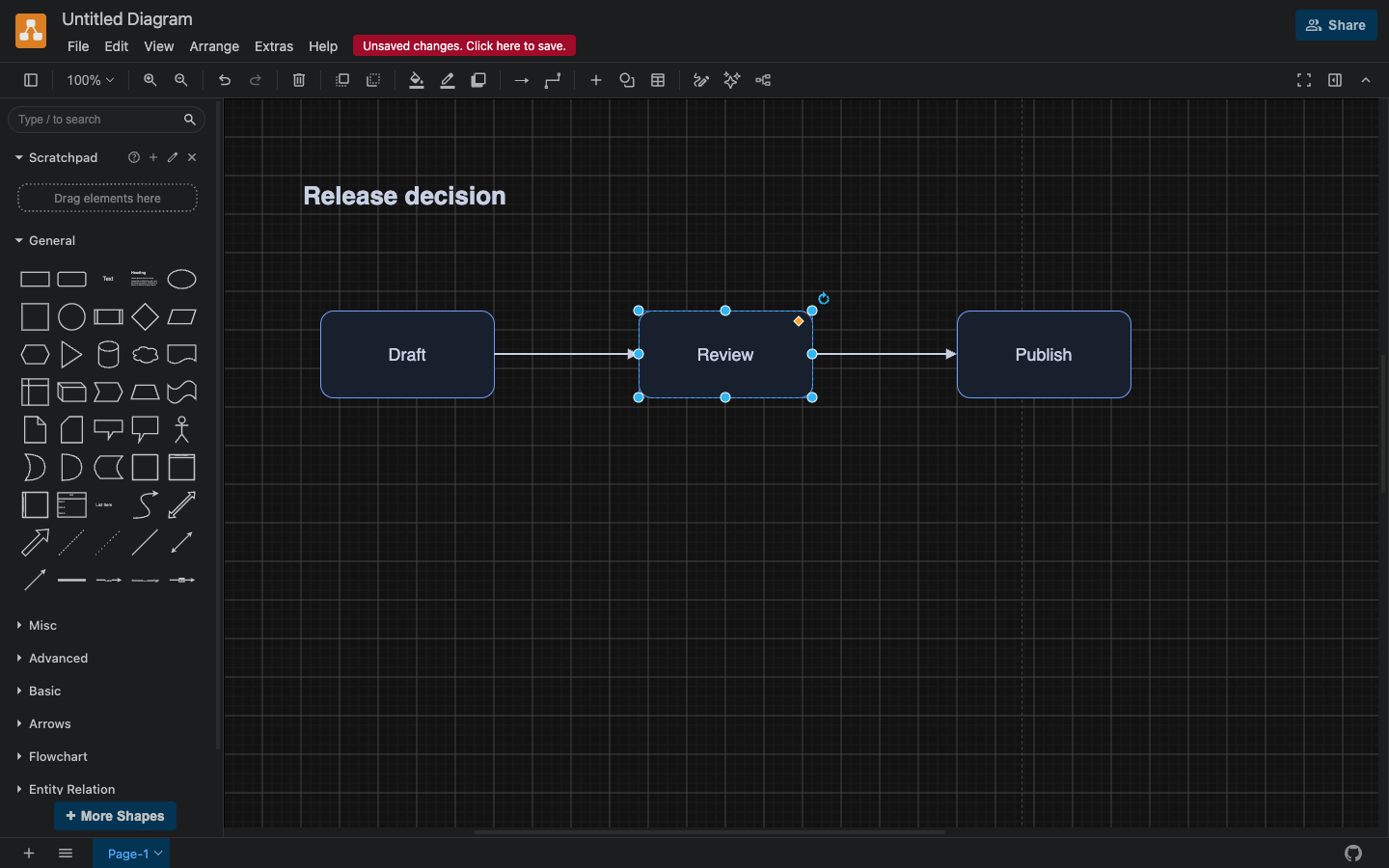
After the baseline XML is applied in the English diagrams.net editor: one title, three independent nodes, and two arrows.
I then double-clicked only the middle node, changed Review to Check, read the complete <mxGraphModel>…</mxGraphModel> root element from the live Edit Diagram textarea, and saved its XML bytes locally as release-decision-after.drawio. This is an XML-dialog path, not a verification of Device opening or browser download. The title remained Release decision; the two outer nodes, both connectors, and all three node coordinates were not overwritten by that label change. A cell-by-cell comparison of attributes, geometry, and connector relationships found that every cell was structurally the same except the review cell’s value, which changed from Review to Check. The editor also rewrote top-level view metadata, so the complete files are not byte-identical.
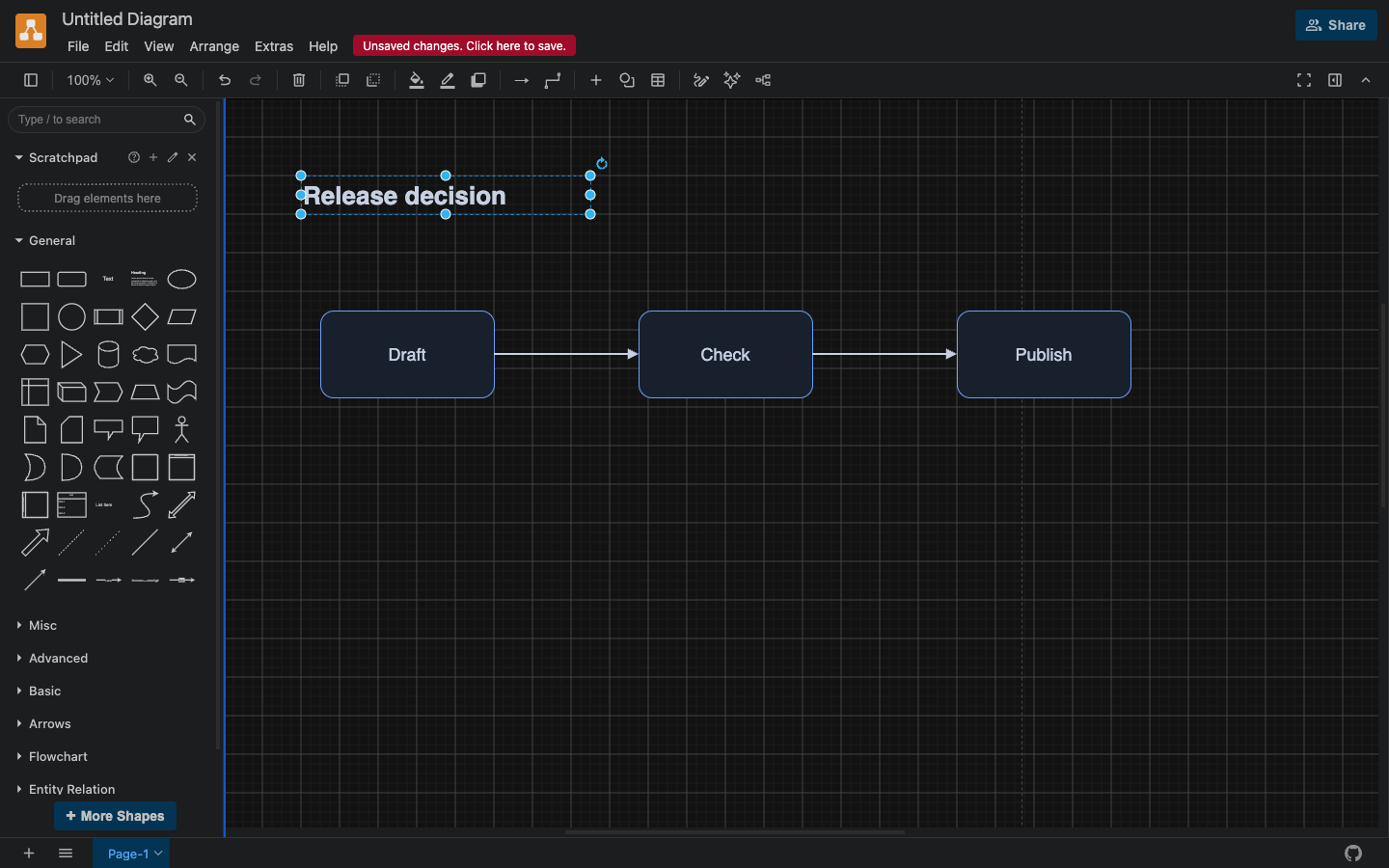
After one-node editing, only the center label changes from Review to Check.
The conclusion is narrow: this inspected three-node input became an editable file, and the editor treated text, shapes, connectors, and coordinates as separate diagram objects. Handwriting, curves, and dense whiteboards each need their own sample.
Let one XML input fail, then restore the baseline
I also kept an intentionally broken .drawio file whose XML is missing its closing structure. Pasting that XML into the same Edit Diagram panel made diagrams.net show its native error: Invalid input (error on line 15 at column 13: Premature end of data in tag mxfile line 1). The existing canvas remained after the error. After selecting OK, I replaced the textarea with the valid baseline <mxGraphModel> and clicked Apply, restoring the heading, three nodes, and two arrows. I then pasted the saved edited XML back into the panel and clicked Apply; the canvas showed Draft, Check, and Publish.
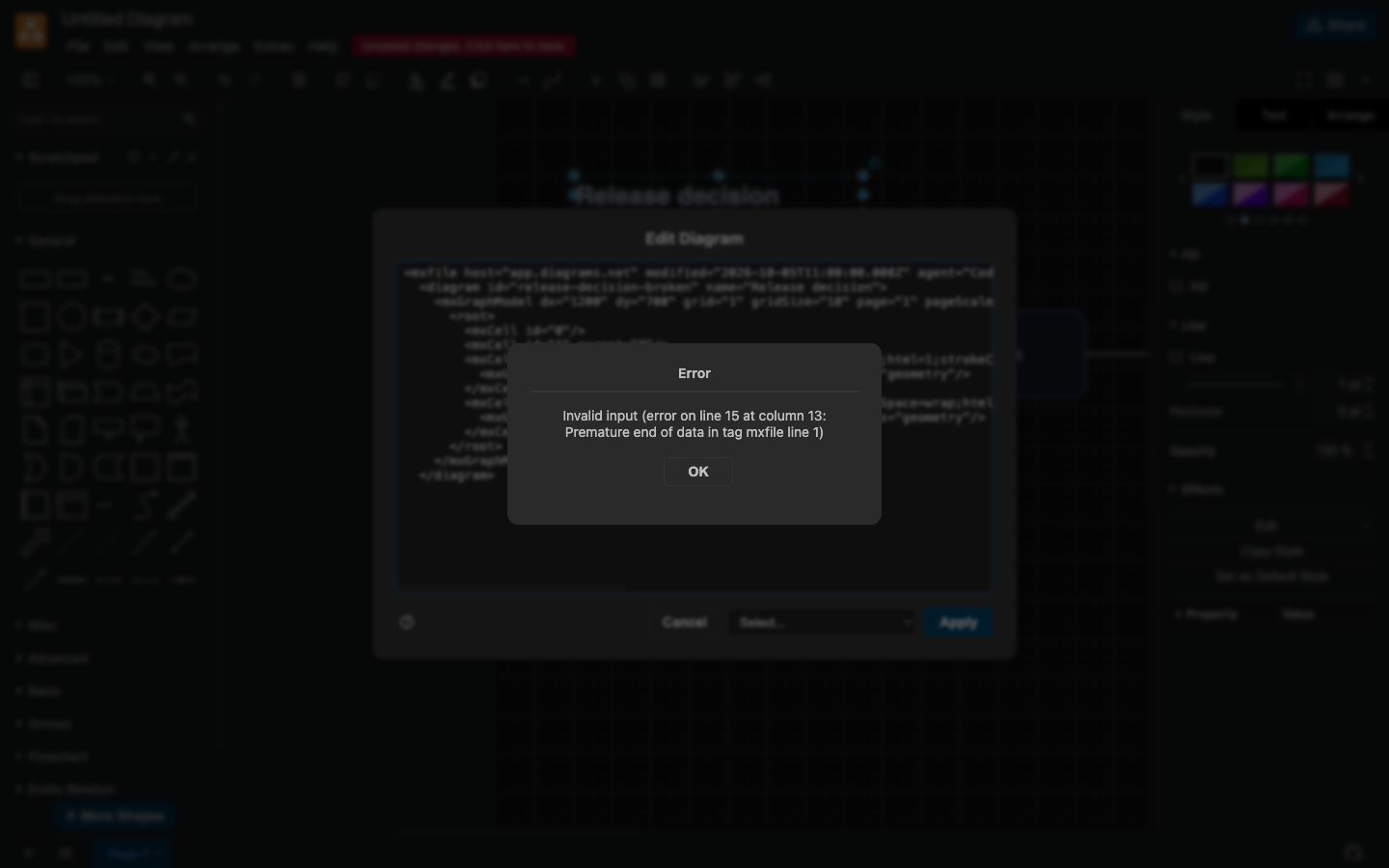
The editor rejects the deliberately broken XML and retains the existing canvas. The valid baseline gives the next attempt a clear recovery point.
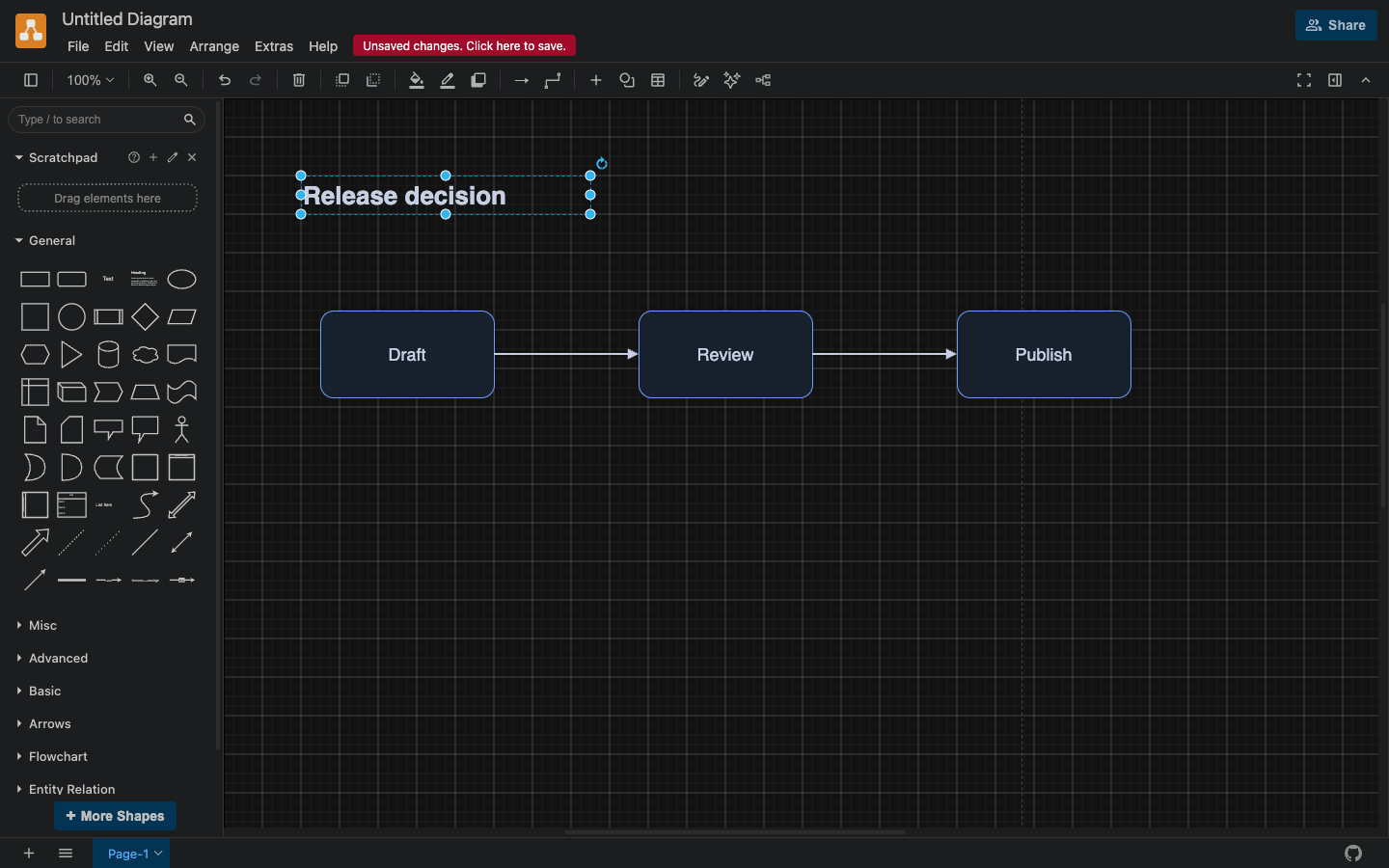
Recovery applies the baseline XML again and resumes from a known canvas state.
For a larger sketch, this habit matters more than simply asking a model to try again. Keep XML that can be applied again before every conversion; check each model output in a copy or the XML editing panel; if the structure is wrong, return to the baseline and narrow the next request. One bad output then cannot consume the original layout.
Treat cloud inference, the editor, and file storage as separate boundaries
The AI interpretation in this test happened in the cloud, so the sketch content was processed by that reasoning step. The resulting .drawio artifacts were saved locally, while the web editor received XML through Edit Diagram. File storage and earlier image inference are two separate data boundaries.
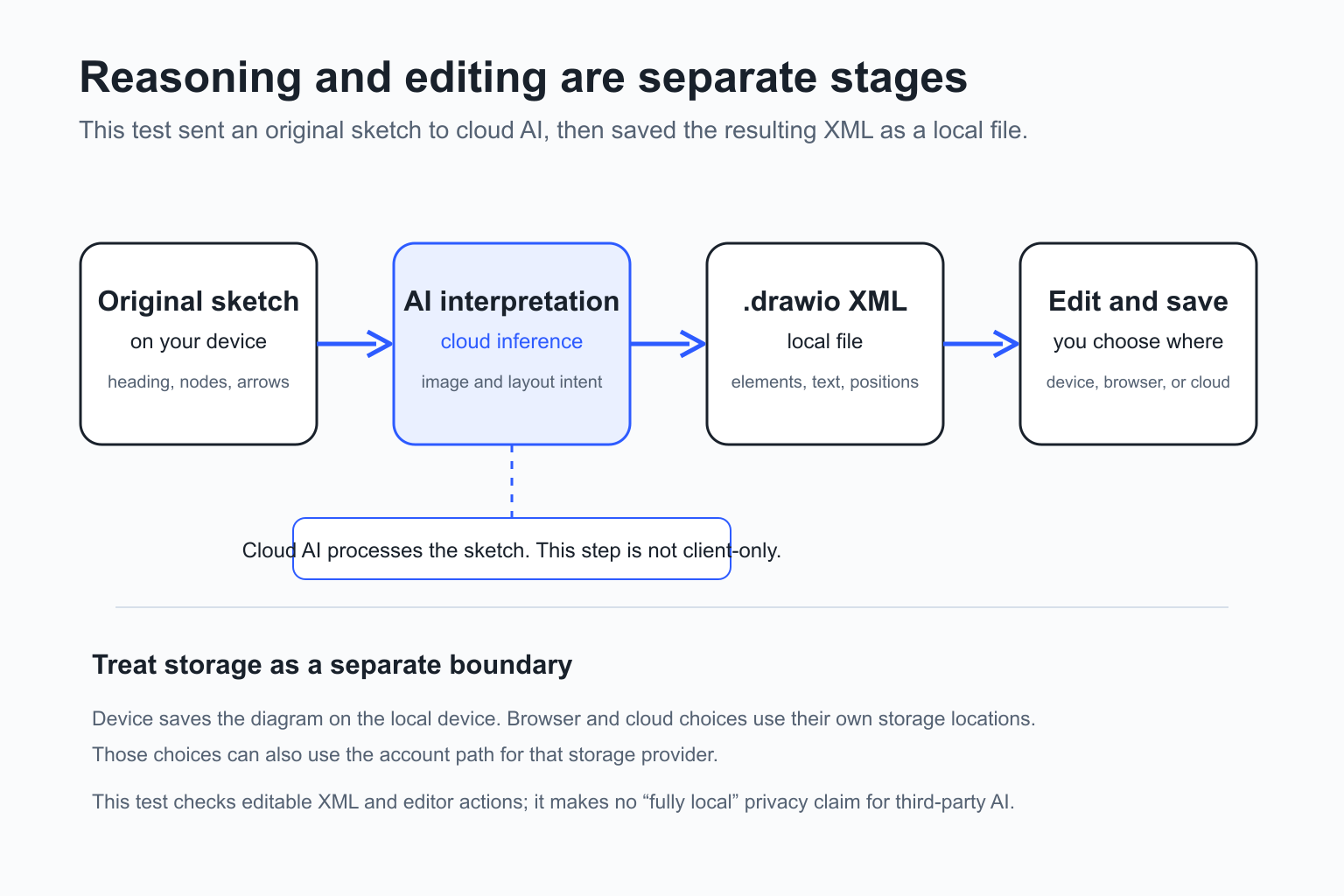
Evaluate the reasoning boundary separately from the storage boundary.
draw.io’s storage-location guide separates Device, browser storage, and several cloud locations; Device saves a diagram file to the local device. Its storage comparison says device and browser storage can work offline, while cloud storage relies on its associated online connection. I use those vendor documents to explain the storage choices; this web session did not receive a separate network audit.
This test did not capture network traffic or exercise third-party AI retention policies, training policies, or account permissions. Before working with a sensitive whiteboard, client architecture, or unreleased product, choose an inference service that fits the team’s data rules and move the editor to a controlled local or offline environment. XML is useful for saving and further editing; evaluate the preceding image interpretation against the actual service boundary.
Drawva provides the source lead for this article
The topic came from a public Reddit post by Drawva’s author. The author says their product uses coordinate mapping, title de-duplication, wireframe awareness, and atomic replacement to preserve an existing canvas. This article keeps those as the author’s account of their system; the hands-on work here focuses on the original sketch, mxGraph XML, and diagrams.net.
At the time of this check, Drawva’s public app and open-source repository were reachable, which I record as page and repository availability. Free limits, generation quality, layout-retention rates, and the other capabilities named by the author remain separate tests. This sketch was not uploaded to Drawva.
Use the small test on your own sketch
If you need an editable first diagram, use this order:
- Keep the input bounded. A heading, a few nodes, and directional arrows are easier to check than a dense whiteboard.
- Write a structural contract before the request: the heading appears once, node text, connections, an approximate coordinate range, and elements that must not be replaced.
- Ask for an editable format and keep source XML that can be applied again. For draw.io,
mxCellandmxGeometryare useful inspection points. - Change one node in the editor you actually plan to use. Verify that the other nodes, edges, and title stay put before making bulk changes.
- Keep four artifacts for an attempt: before, after, a broken sample, and the recovered baseline. They establish continued editability far better than a polished screenshot.
This workflow delivers a small, inspectable .drawio file with before-and-after states, a broken sample, and a recovered baseline. Handwriting, curves, equations, and branching flows each need their own tests and their own quality decisions.