Tracing a Local JavaScript Artifact with REA: From a Fetch Literal to the Output Node
Using a four-file local JavaScript fixture, this walkthrough shows how REA static analysis identifies module imports, a literal endpoint, and a DOM output relationship while keeping runtime behavior as a separate question.
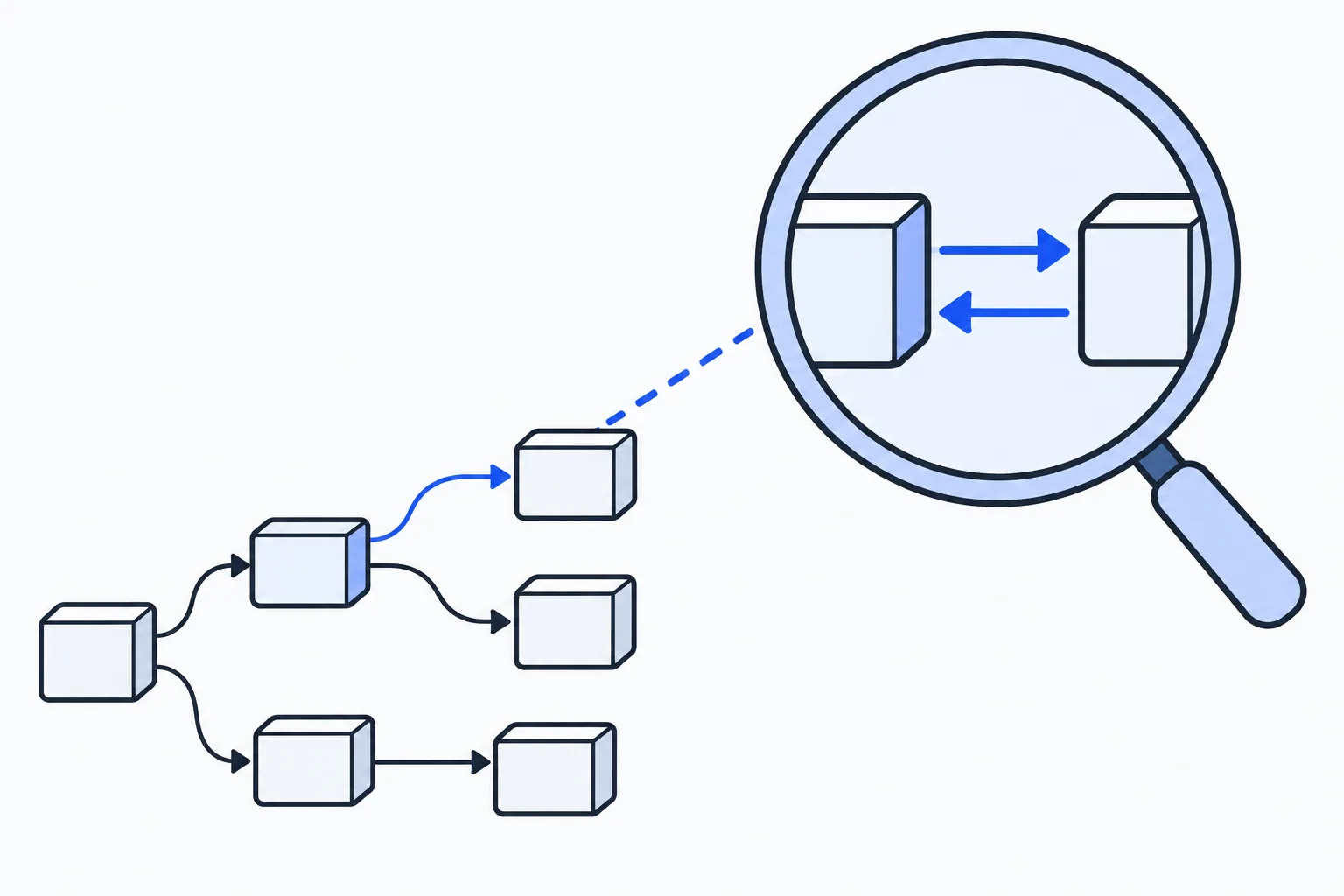
When you inherit an unfamiliar front-end fragment, the first task is often not to run it. You may only need to learn which endpoint a refresh button points to, which formatter handles the response, and where the page writes the result. Static analysis can establish a source-backed path first, then leave questions that require a running environment for later.
This article uses a self-authored four-file JavaScript fixture. REA read the local files without executing JavaScript, sending a network request, or inspecting a third-party application. The result pinpoints fetch("/api/build-status") in app.js and connects it to response parsing, a formatting function, and the #status DOM output. The fixture and the complete static evidence are available here: download the static-analysis fixture and evidence. Its SHA-256 is f8b531af6d639e2a7e37f3847232c16849d36aaaec2b7be6fb0a383a99036fc0.
Start with one refresh button
The ZIP’s fixture/ directory contains just four files: index.html, app.js, format.js, and package.json. The page gives app.js a refresh button and an output node. Its central code is:
import { formatStatus } from "./format.js";
const refresh = document.querySelector("#refresh");
const output = document.querySelector("#status");
refresh.addEventListener("click", async () => {
  const response = await fetch("/api/build-status");
  const value = await response.json();
  output.textContent = formatStatus(value);
});
format.js has one export: formatStatus(value) returns Build ${value.build}: ${value.status}. The fixture deliberately narrows the task to one fixed endpoint, one ESM import, and one DOM update. It was not copied from a production project, and REA did not operate on any external repository or web page.
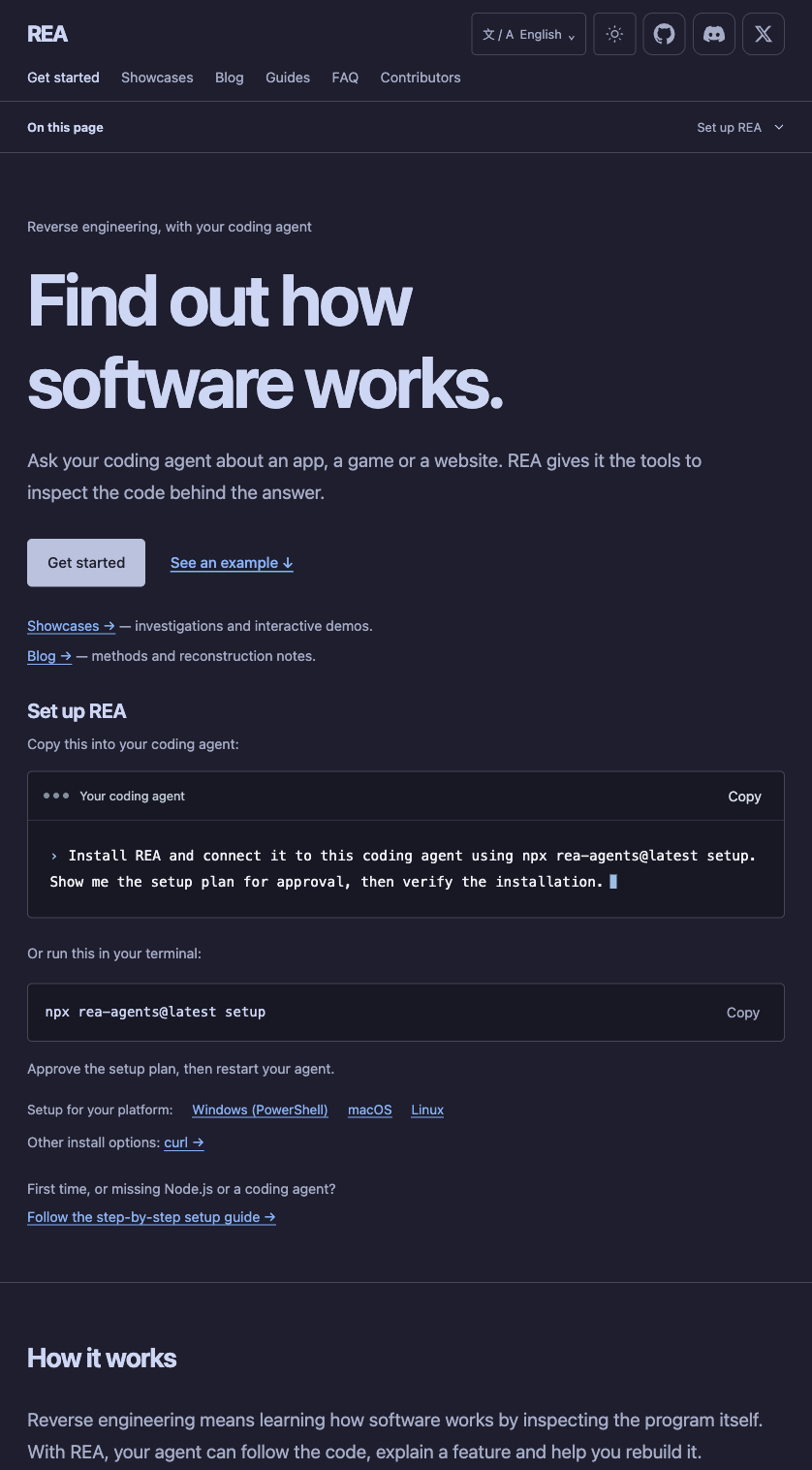
REA’s official page presents software-artifact inspection through a coding agent. This article uses only a local static fixture.
Establish file coverage and module relationships first
For this static run, REA reported relevant_files: 4, parsed_javascript_files: 2, and parse_failures: 0. The observed scope is the complete fixture packaged for the article. Both JavaScript files parsed successfully, with no parse error cutting the result short.
The module record for app.js also identifies it as an ESM source module with one import relationship to local ./format.js. That is more useful than a text search for formatStatus: you can return to both files and check that the function was not merely assumed to come from the same module.
| Observation in this run | Traceable evidence |
|---|---|
| Artifact scope | 4 relevant files, including 2 JavaScript files |
| Parse result | 0 parse failures |
| Module relationship | app.js is an ESM module with 1 import relationship |
| Formatting function | format.js exports formatStatus(value) |
| Coverage boundary | Application coverage is complete; semantic coverage remains unknown, with 22 semantic unknowns in the parent evidence |
Here, complete means the application-level file inventory for the supplied artifact was covered. It does not mean the analyser knows every dynamic branch, runtime property, or result of a click. Recording file coverage separately from semantic certainty makes the next step clear: source reading, a test, or a runtime log.
Trace a literal endpoint to an output node
REA’s endpoint observation marks fetch("/api/build-status") as a network endpoint at app.js:5:25-51. Because the endpoint is a literal string, static analysis can report /api/build-status directly without guessing at a URL built during execution.
The same module evidence also describes what follows in the source: response.json() reads the response value, formatStatus(value) receives it, and the result is assigned to output.textContent; output comes from document.querySelector("#status"). That produces a useful review path:
click listener
  -> fetch("/api/build-status")
  -> response.json()
  -> formatStatus(value)
  -> #status.textContent
If the next task is to check whether an API response has the fields the page needs, formatStatus tells you to look for build and status. Then use a real or redacted response sample to check its shape. A property name in code is not evidence that a server has returned it. Trylog’s local API response shape difference checker is useful for that next comparison.
What the static result answers, and what remains open
For this artifact, the static result supports several concrete statements: a click listener exists; it contains a literal /api/build-status fetch; app.js imports and calls the formatter from format.js; and the source sends its result to the node selected by #status. Those are observations from source text and static AST relationships.
They do not answer the questions that live closer to runtime: whether #refresh and #status exist when the page loads, whether anyone clicks the button, whether the endpoint is reachable, whether the server returns JSON, whether the value contains build and status, or whether authentication, CORS, or an error response takes execution elsewhere. The evidence for this run explicitly says that JavaScript and HTML were parsed as inert text, with no bundle bootstrap or network call executed.
That division helps sequence work. Use static evidence first to identify the files to read, the API literal, and the output point. Then prepare known responses in an isolated runtime environment and record the actual request, error branches, and DOM result. Neither the static chain nor a runtime log replaces the other.
Put REA at the first stage of local artifact investigation
The official REA repository describes a tool that helps coding agents inspect software artifacts. Its README says JavaScript and Electron analysis recovers modules and their relationships for later explanation, implementation, and testing. The official installation guide also says static JavaScript CLI inspection can continue while MCP is unavailable.
Upstream released rea-agents 6.7.0 on 2026-10-18; its release page records that release. This article does not identify the connected REA MCP service as that version, so the upstream release number should not be attached to this run’s output.
For a local artifact, keep the order simple: fix the files and hashes you intend to read, collect static evidence for modules, imports, endpoints, and output points, then run the smallest controlled sample only when real behavior needs confirmation. That still narrows the reading path to checkable source locations when a server, account, or GUI is not yet available.