Creating a First Parametric Box with the SolidCraft Browser API: Page Calls, Geometry Readback, and Session Boundaries
A bounded walkthrough on SolidCraft v0.16.2 showing how to create a 30 x 20 x 10 mm box via window.solidcraft, inspect geometry and topology readbacks, verify undo/redo history, and distinguish the browser API from desktop MCP.
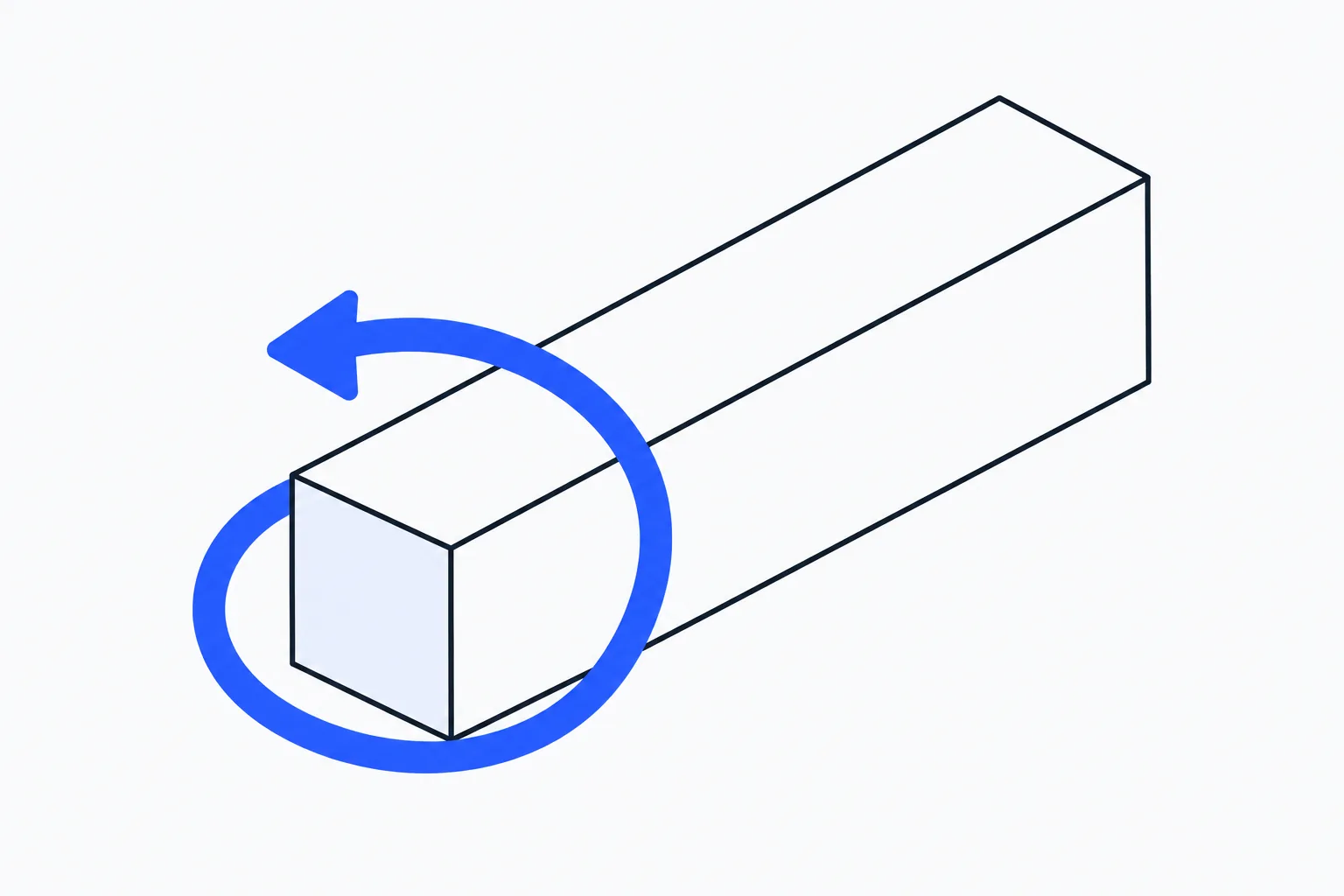
When generating small parametric 3D parts through code, you can start by creating a solid with explicit dimensions in the browser, then read back its volume, bounding box, and topology counts to check the geometry. If you have worked with a dimensioned SVG sketch workflow, explicit units and programmatic readback will already be familiar ways to reduce manual checking.
At the official SolidCraft browser entry, https://solidcraft.io/app, we started with an Untitled design in mm with no bodies or timeline features. We used window.solidcraft to create a 30 x 20 x 10 mm box, read its measured geometry, and ran one undo and redo cycle through the timeline. Those actions record the page API calls and their readbacks, while showing how this browser session relates to the web UI and desktop MCP.
Why Start with a Single 30 x 20 x 10 mm Box
tangency-labs/solidcraft is an open-source parametric 3D CAD project written in Rust whose README lists desktop, browser, CLI, and MCP interfaces. When approaching the tool for the first time, it is natural to wonder how these entry points relate to one another and whether running commands in the browser console touches the same kind of session as a local CLI or MCP server.
A 30 x 20 x 10 mm box makes an ideal first test because every expected property can be checked by mental arithmetic: a volume of 6000 mm3, a surface area of 2200 mm2, an origin-aligned bounding box spanning [0, 0, 0] to [30, 20, 10], a centroid at [15, 10, 5], and standard hexahedral topology of 6 faces, 12 edges, and 8 vertices. Creating the primitive via the API and requesting a measurement readback immediately shows whether command execution, geometric output, and the UI timeline stay aligned.
How the Page API Shares the Browser Tab Session
As documented in the v0.16.2 browser API guide, once the browser page loads, window.solidcraft operates directly on the design in the current tab. The official API exposes four Promise-returning calls:
solidcraft.request(method, params?)for sending control requests such as dismissing the home overlay.solidcraft.execute(command, params?)for running modeling and editing commands.solidcraft.commands()for listing available commands and parameter definitions.solidcraft.inspect(params?)for inspecting design state, accepting{ measure: true }to compute geometric measurements.
The page API reuses the exact same command IDs, parameters, control handler, and undo history as the web UI without starting a separate engine or server. At the same time, its scope stays strictly inside the browser tab: it does not register WebMCP tools or expose a network listener, scripts run with standard browser page permissions, and any file paths resolve against the browser’s virtual filesystem rather than arbitrary desktop files or native windows.
A Minimal Verifiable Experiment: Create, Inspect, Undo, and Redo
Starting from an empty Untitled design (mm units, no body, no timeline), we ran the following sequence in the page console:
await solidcraft.commands();
await solidcraft.request("ui.home", { open: false });
await solidcraft.execute("solid.box", {
  length: 30,
  width: 20,
  height: 10,
  body_name: "Browser API box"
});
const created = await solidcraft.inspect({ measure: true });
await solidcraft.execute("edit.undo");
const afterUndo = await solidcraft.inspect({ measure: true });
await solidcraft.execute("edit.redo");
const afterRedo = await solidcraft.inspect({ measure: true });
The script first checks the command catalog with solidcraft.commands(), closes the home overlay via solidcraft.request("ui.home", { open: false }), and executes solid.box with length 30, width 20, height 10, and body_name set to "Browser API box". We then called solidcraft.inspect({ measure: true }), followed by edit.undo with an inspect call, and edit.redo with a final inspect call.
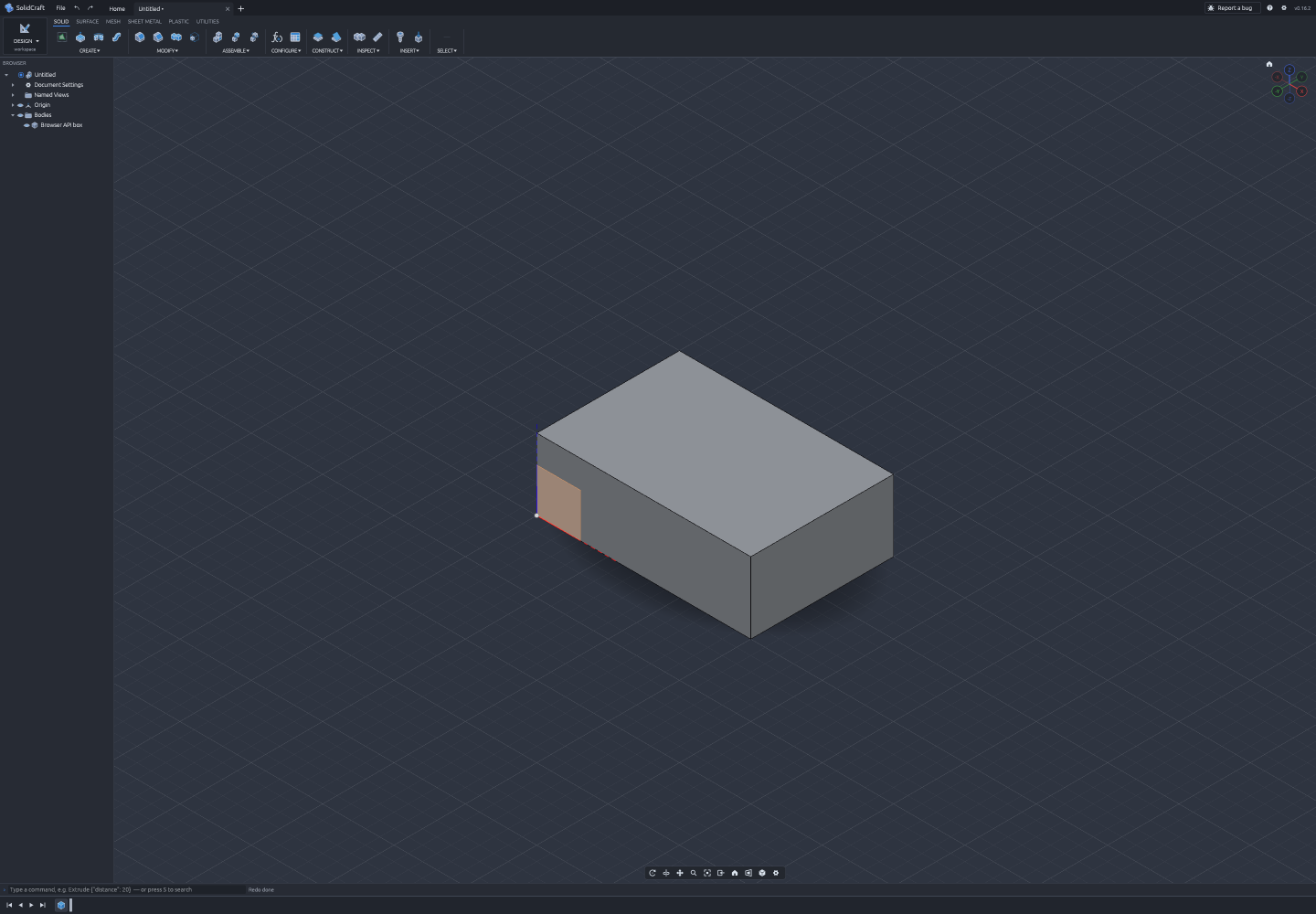
The 30 x 20 x 10 mm box in SolidCraft; the measurement readback is listed below.
The readback from inspect({ measure: true }) right after creation matched the expected dimensions down to every field:
- Volume and surface area: Volume measured
6000 mm3and area measured2200 mm2. - Bounding box and centroid: Bounding box
minwas[0, 0, 0]andmaxwas[30, 20, 10], with the centroid at[15, 10, 5]. - Topology counts: 6 faces, 12 edges, and 8 vertices.
Although the create call returned a timing figure of 22 ms during this run, a single box creation in one browser session should not be treated as a performance benchmark. What the subsequent steps do confirm is the shared undo stack: after edit.undo and inspect, bodies and timeline were both empty with undo at 0 and redo at 1; after edit.redo and inspect, the single body and the Box1 timeline feature returned intact.
Because everything runs inside the active tab’s memory, hidden or suspended tabs will delay request completion, and reloading the page ends the session along with any pending requests. Our run stayed entirely within this live session and did not test exporting or re-importing files, nor did it test persistent saving across page reloads.
How the Browser Page API Relates to the Web UI and Desktop MCP
Seeing how window.solidcraft shares the control handler with the web UI also clarifies how it differs from the desktop MCP architecture. According to the v0.16.2 MCP documentation, solidcraft-cli mcp is a separate documented path: in headless mode it owns its own isolated design session, and only bridges to a running application when passed the --connect flag. We did not test the desktop app or desktop MCP in this experiment, nor did we test sketch constraint rebuilds or large, complex models.
For developers who want to check a small parametric part in the browser first, opening the official web entry point and pairing solidcraft.execute with solidcraft.inspect({ measure: true }) provides an immediate, verifiable feedback loop for basic geometry and timeline state, while leaving file persistence, complex assemblies, and local MCP workflows as distinct steps to evaluate when your project requires them.