MOSS-Image layout JSON: convert UI coordinates to centered yxyx
Convert top-left UI bounding boxes into MOSS-Image's centered yxyx layout JSON format and verify canvas and Diffusers pipeline constraints before running inference.
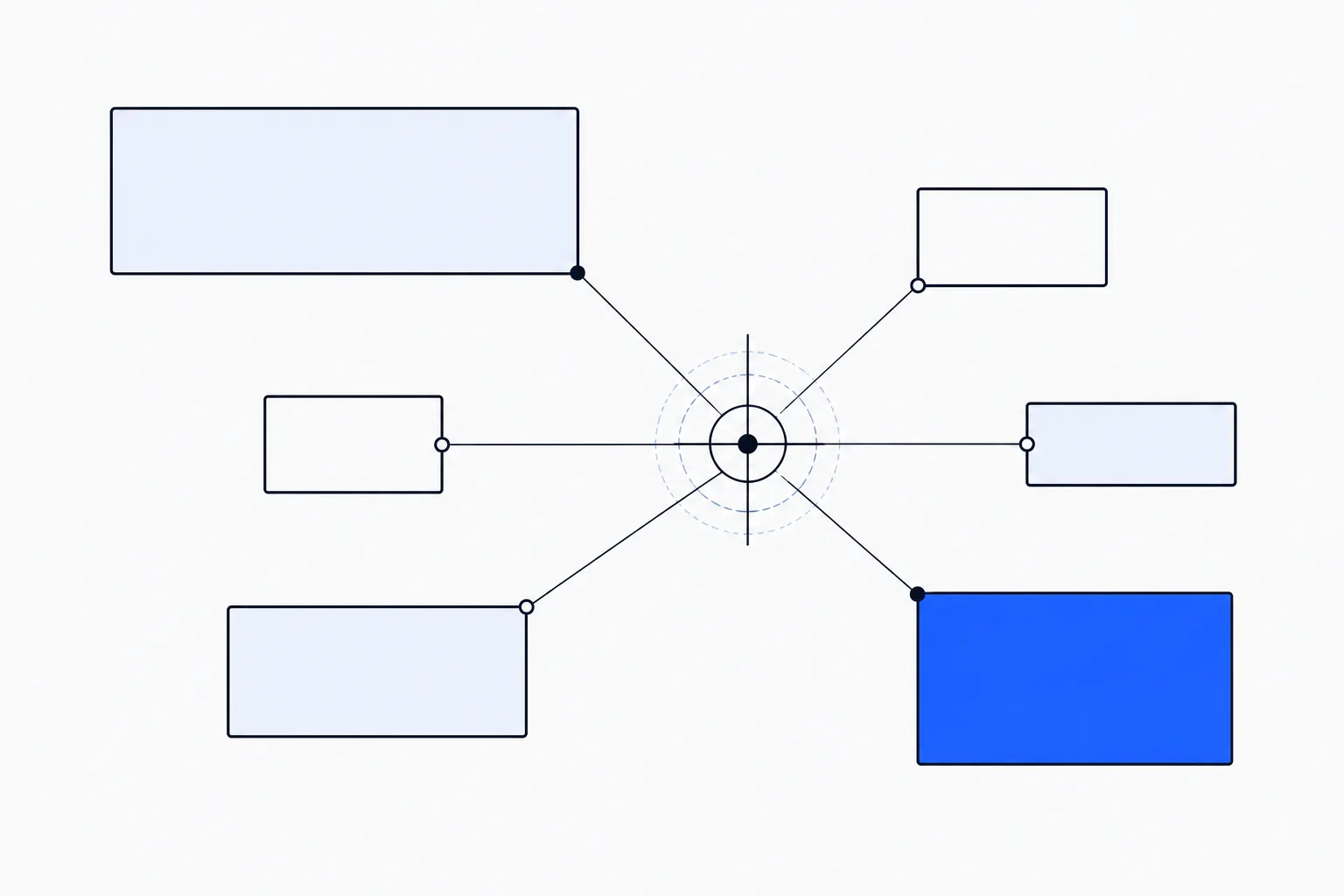
Before turning a design’s text boxes into MOSS-Image layout prompts, check the origin and coordinate order. Front-end boxes commonly use a top-left origin with xyxy or xywh values. MOSS-Image’s experimental layout format uses a centered origin and yxyx order. This guide converts a title box on a 1024 × 1024 canvas, builds the JSON, and checks the corresponding inference settings.
The guide follows official documentation. No model installation, GPU inference, or paid API call was performed.
Base vs. SFT Weights and Pipeline Constraints
According to the official MOSS-Image repository, the architecture pairs a 5B-parameter image backbone with a text encoder capable of handling long inputs—officially documented to “Accept text prompts of up to 4K tokens.” Layout JSON counts against that prompt budget too. The release provides both Base and SFT checkpoints, which serve distinct roles in an engineering workflow. The Base model (OpenMOSS-Team/MOSS-Image-Base) is the foundation for custom generation, exploration, and downstream fine-tuning, and it is the checkpoint referenced in the official experimental layout documentation. If you plan to perform post-training on the Base checkpoint, the official guide notes that you must freeze the text encoder. The SFT checkpoint is fine-tuned from Base on curated data.
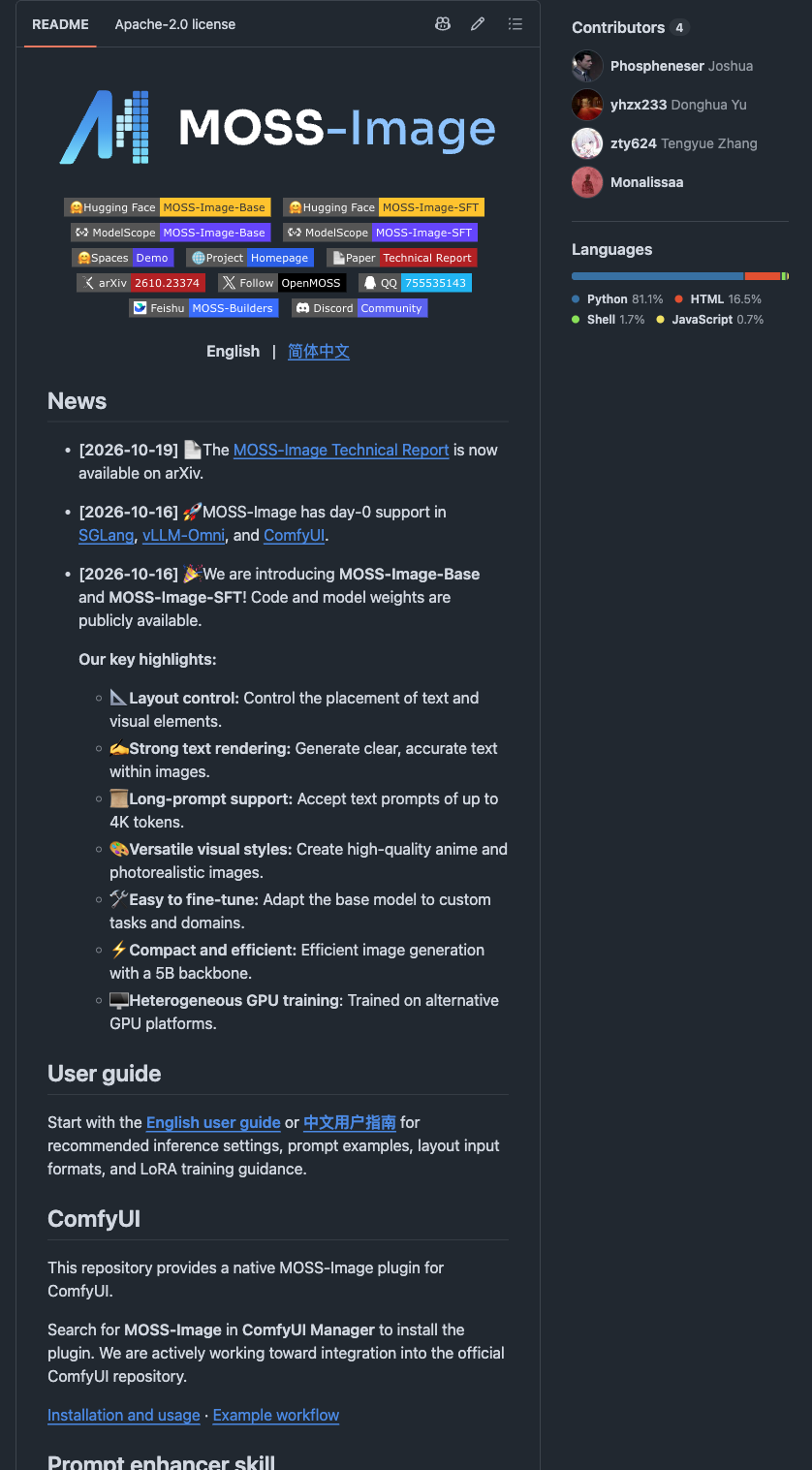
The official MOSS-Image repository describes the models and layout support.
When configuring canvas dimensions and sampling parameters, the MOSS-Image User Guide specifies strict numerical boundaries. Both width and height must use positive multiples of 16, with recommended total pixel budgets centered around 1M, 1.5M, and 2M pixels. For the Base model, the guide recommends at least 50 inference steps (num_inference_steps=50), a classifier-free guidance scale (guidance_scale) of 3.0 within a recommended range of 3 to 6, and an Euler scheduler configured with shift set to 5. Furthermore, while the standalone pipeline code in the repository is licensed under Apache-2.0, you should not assume that license automatically covers all model weights without reviewing the specific weight license terms.
Translating Top-Left UI Coordinates to abs_centralized yxyx JSON
Let the canvas width be W and height be H. To convert a top-left pixel coordinate to a centered coordinate:
x_centered = x - W / 2
y_centered = y - H / 2
bbox = [y_min_centered, x_min_centered, y_max_centered, x_max_centered]
On a 1024 × 1024 canvas, both axes run from -512 to 512. A title box with top-left corner (128, 96) and bottom-right corner (896, 224) converts as follows:
| Component | Calculation | Result |
|---|---|---|
| y_min | 96 - 512 | -416 |
| x_min | 128 - 512 | -384 |
| y_max | 224 - 512 | -288 |
| x_max | 896 - 512 | 384 |
The resulting bbox is [-416, -384, -288, 384]. Set bbox_coord_space to "abs_centralized" for centered absolute pixel coordinates, and bbox_format to "yxyx" for the component order. Our multiscale WebGL coordinate precision guide also discusses coordinate representations and origin handling.
Inserting the transformed array into the schema documented in the official USERGUIDE produces the adapted layout below (not executed against the model):
{
  "summary": {
    "caption": "The word BUILD at the top of a white poster."
  },
  "items": [
    {
      "label": "text",
      "caption": "Title at top",
      "text": "BUILD",
      "bbox": [
        -416,
        -384,
        -288,
        384
      ]
    }
  ],
  "bbox_coord_space": "abs_centralized",
  "bbox_format": "yxyx"
}
In this payload, summary.caption defines the overall scene composition, while items lists individual grounded elements. Each item entry specifies label (such as “text”), a descriptive caption clarifying the element’s role or visual style, the literal text string to render, and the bbox array in centered yxyx integers. Keep in mind that the official documentation explicitly marks layout prompt support as experimental, so it should be treated as an evolving spatial conditioning mechanism rather than a rigid pixel-exact layout engine.
Official Diffusers Pipeline Reference and Layout Injection
Running inference locally requires a Python environment with PyTorch and CUDA support. MOSS-Image integrates with Hugging Face diffusers through a custom pipeline module (custom_pipeline=“pipeline_moss_image”), which requires setting trust_remote_code=True. Because enabling remote code execution downloads and runs Python files hosted on the model repository, you should inspect the remote pipeline code before running it in restricted environments. The sources examined here do not establish a universal minimum GPU memory requirement; the snippet below is the exact reference block from the MOSS-Image Python Quick Start (unexecuted documentation example):
import torch
from diffusers import DiffusionPipeline

pipe = DiffusionPipeline.from_pretrained(
    "OpenMOSS-Team/MOSS-Image-Base",
    custom_pipeline="pipeline_moss_image",
    trust_remote_code=True,
    torch_dtype={"default": torch.bfloat16, "vae": torch.float32},
)
pipe.scheduler = type(pipe.scheduler).from_config(pipe.scheduler.config)
pipe.to("cuda")
image = pipe(
    "A wide view of a refrigerator beside a kitchen counter with a fruit bowl. A small sticky note on the refrigerator door is handwritten in Chinese:“\n记得买牛奶和鸡蛋!\n牛奶两盒,鸡蛋一打。\n顺便带一袋面包。”",
    height=1456,
    width=1456,
    num_inference_steps=50,
    guidance_scale=3.0,
    uncond_skip_layers=[22],
    generator=torch.Generator("cpu").manual_seed(42),
).images[0]
image.save("refrigerator_note.png")
Several details in the official call are worth noting when wiring up your own wrapper. The torch_dtype argument accepts a dictionary that keeps the main backbone in torch.bfloat16 while pinning the vae to torch.float32. The output resolution of 1456 × 1456 sits near the 2M pixel tier (1456 = 16 × 91, satisfying the multiple-of-16 rule), and the call passes uncond_skip_layers=[22] alongside the recommended 50 steps and 3.0 guidance scale.
To switch from a standard natural-language prompt to an experimental layout prompt, replace only the first positional prompt string in pipe(…) with json.dumps(layout, ensure_ascii=False). When doing so, make sure the width and height passed to pipe(…) match the canvas dimensions W and H used to compute the bbox offsets. For the layout above, pass width=1024 and height=1024 so the pixel offsets match the canvas.
Validating Layout Coordinates Before GPU Execution
Catching transposed axes or non-multiple-of-16 dimensions in a lightweight Python check saves you from waiting through a 50-step diffusion loop only to discover a malformed box. The following helper is written for this article. It accepts integer pixel boxes and checks the conversion using plain Python, without loading model weights:
import json

def build_and_verify_moss_layout(width: int, height: int, summary_caption: str, ui_items: list) -> str:
    if type(width) is not int or type(height) is not int:
        raise ValueError("Canvas dimensions must be integer pixels.")
    if width <= 0 or height <= 0 or width % 16 != 0 or height % 16 != 0:
        raise ValueError(f"Canvas dimensions ({width}x{height}) must be positive multiples of 16.")

    half_w = width // 2
    half_h = height // 2
    moss_items = []

    for item in ui_items:
        x_min, y_min, x_max, y_max = item["ui_bbox_xyxy"]
        if not (0 <= x_min < x_max <= width and 0 <= y_min < y_max <= height):
            raise ValueError(f"UI bbox {item['ui_bbox_xyxy']} is out of {width}x{height} bounds.")

        if any(type(value) is not int for value in item["ui_bbox_xyxy"]):
            raise ValueError("Use integer pixel coordinates for this helper.")

        bbox_yxyx = [
            y_min - half_h,
            x_min - half_w,
            y_max - half_h,
            x_max - half_w,
        ]

        assert -half_h <= bbox_yxyx[0] < bbox_yxyx[2] <= half_h, "Invalid Y range in yxyx"
        assert -half_w <= bbox_yxyx[1] < bbox_yxyx[3] <= half_w, "Invalid X range in yxyx"

        moss_items.append({
            "label": item["label"],
            "caption": item["caption"],
            "text": item["text"],
            "bbox": bbox_yxyx,
        })

    payload = {
        "summary": {"caption": summary_caption},
        "items": moss_items,
        "bbox_coord_space": "abs_centralized",
        "bbox_format": "yxyx",
    }
    return json.dumps(payload, ensure_ascii=False, indent=2)

# Verify that UI box [128, 96, 896, 224] on a 1024x1024 canvas reproduces [-416, -384, -288, 384]
verified_json = build_and_verify_moss_layout(
    width=1024,
    height=1024,
    summary_caption="The word BUILD at the top of a white poster.",
    ui_items=[
        {
            "label": "text",
            "caption": "Title at top",
            "text": "BUILD",
            "ui_bbox_xyxy": [128, 96, 896, 224],
        }
    ],
)
print(verified_json)
Running this helper locally produced bbox: [-416, -384, -288, 384]. It rejected four invalid inputs: a canvas not divisible by 16, a reversed box, floating-point coordinates, and floating-point canvas dimensions. No model was loaded.
This helper checks three input conditions before any model weights are loaded: the target resolution divides cleanly by 16, the source UI coordinates sit inside the canvas with positive width and height, and the resulting yxyx array preserves y_min < y_max at indices 0 and 2 and x_min < x_max at indices 1 and 3 within [-H/2, H/2] and [-W/2, W/2].
To integrate this into your workflow, pass your exported UI bounding boxes through build_and_verify_moss_layout using your target multiple-of-16 resolution, review the remote pipeline_moss_image code and checkpoint license terms, and feed the serialized JSON output into the DiffusionPipeline call on your CUDA host.