Before Sending Private Code to Muse Wonder: Contributor Mode and API Boundaries
A practical decision guide based on official documentation covering Muse Code subscription Contributor mode defaults, forward-only opt-out rules, and the access boundaries between Muse Wonder and Wonder Full across CLI subscriptions and Model API PAYG.
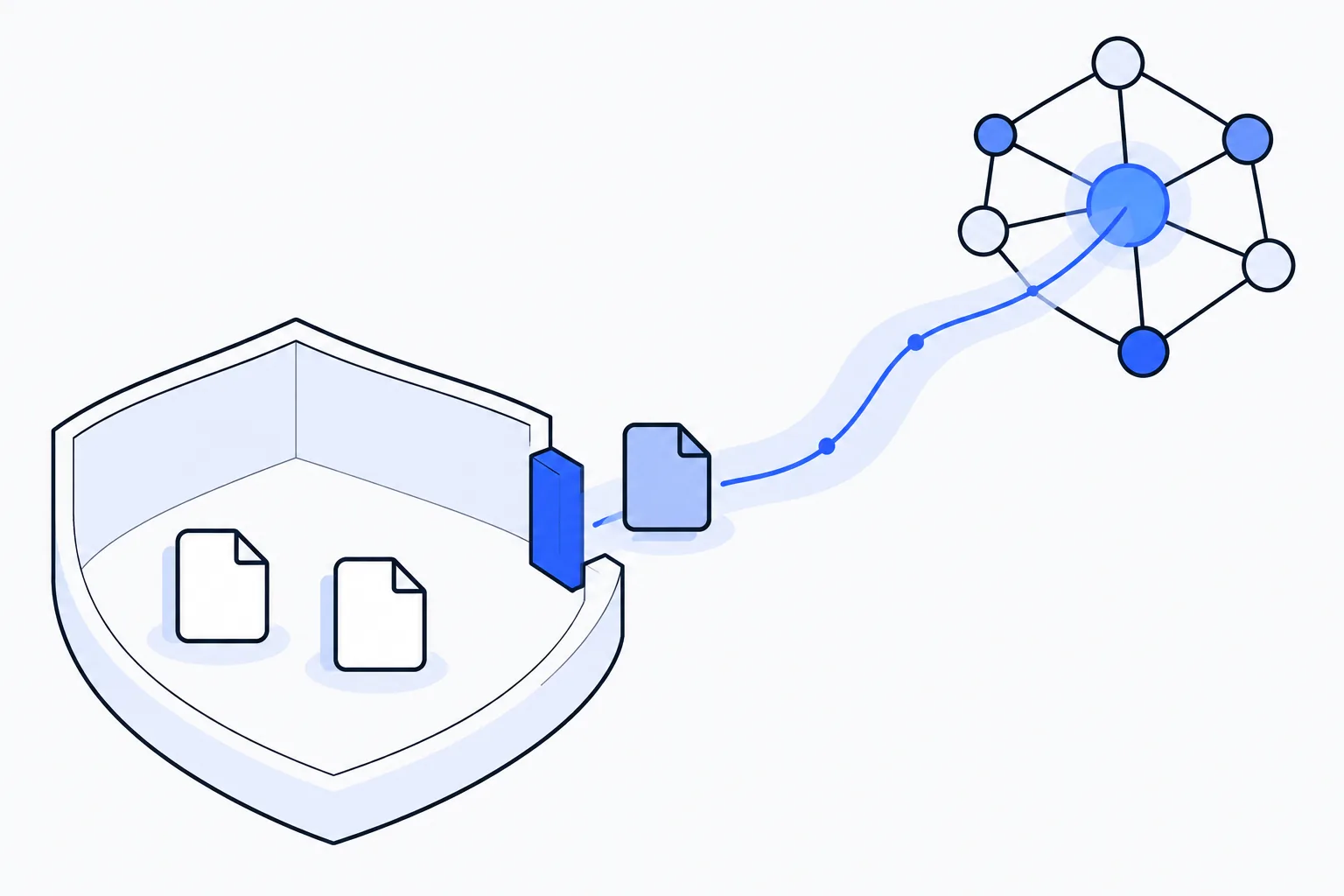
Before handing a coding task with private repository context over to a model, developers need to answer two practical questions first: Will the code snippets and context you are about to send be used to train the platform’s models, and does your chosen access path actually support the model tier and data mode you need?
Consider a hypothetical scenario: you are maintaining a private backend repository and want to take advantage of the 1,048,576 context window in the Muse Wonder model family to feed cross-module interface definitions, authentication logic, and error logs into a single refactoring prompt. If you do not check how subscription defaults and Model API pay-as-you-go (PAYG) boundaries work before sending that first request, you can easily end up submitting internal code under training-enabled terms—or discover mid-workflow that the model variant you wanted is unavailable on your chosen endpoint.
This guide follows the public official documentation to organize that choice. It does not cover logged-in setting operations, actual usage, retention or deletion workflows, or model benchmarks; the discussion stays with the documented training and access boundaries.
Step 1: Understand the Contributor Mode Default and Forward-Only Opt-Out in Subscriptions
If you plan to access Muse Wonder through a Muse Code subscription, the first thing to verify is how your submissions are handled. According to the official Muse Code subscriptions documentation, Muse Code subscriptions default to Contributor mode (note that the official term is Contributor mode; avoid referring to it as “Privacy mode”).
In Contributor mode, in exchange for higher usage limits, Meta uses submitted content to train its models. The official documentation specifies that covered content includes:
- Prompts
- Code
- Files/context
- Model responses
That means by default, the repository files you attach, the code snippets in your prompt, and the refactoring suggestions returned by the model are all covered for model training.
The documentation says Contributor mode can be turned off in Muse Code settings. For a private codebase, the important part is its forward-only effect:
- Once you turn Contributor mode off, only future submissions are excluded from being used to train models (unless you turn Contributor mode back on later).
- The official materials do not state that previously submitted content will be deleted or withdrawn from training after you turn the setting off. You cannot treat toggling the setting off after the fact as a mechanism to retract code that was already sent.
For any repository whose contents must not be used for model training, verifying and turning off Contributor mode in Muse Code settings has to happen before your very first request containing private context.
Step 2: Separate Subscription CLI Access from Model API PAYG Boundaries
Once your data training stance is settled, the second boundary to check is whether your preferred toolchain and billing path support the specific Muse Wonder variant you want to run.
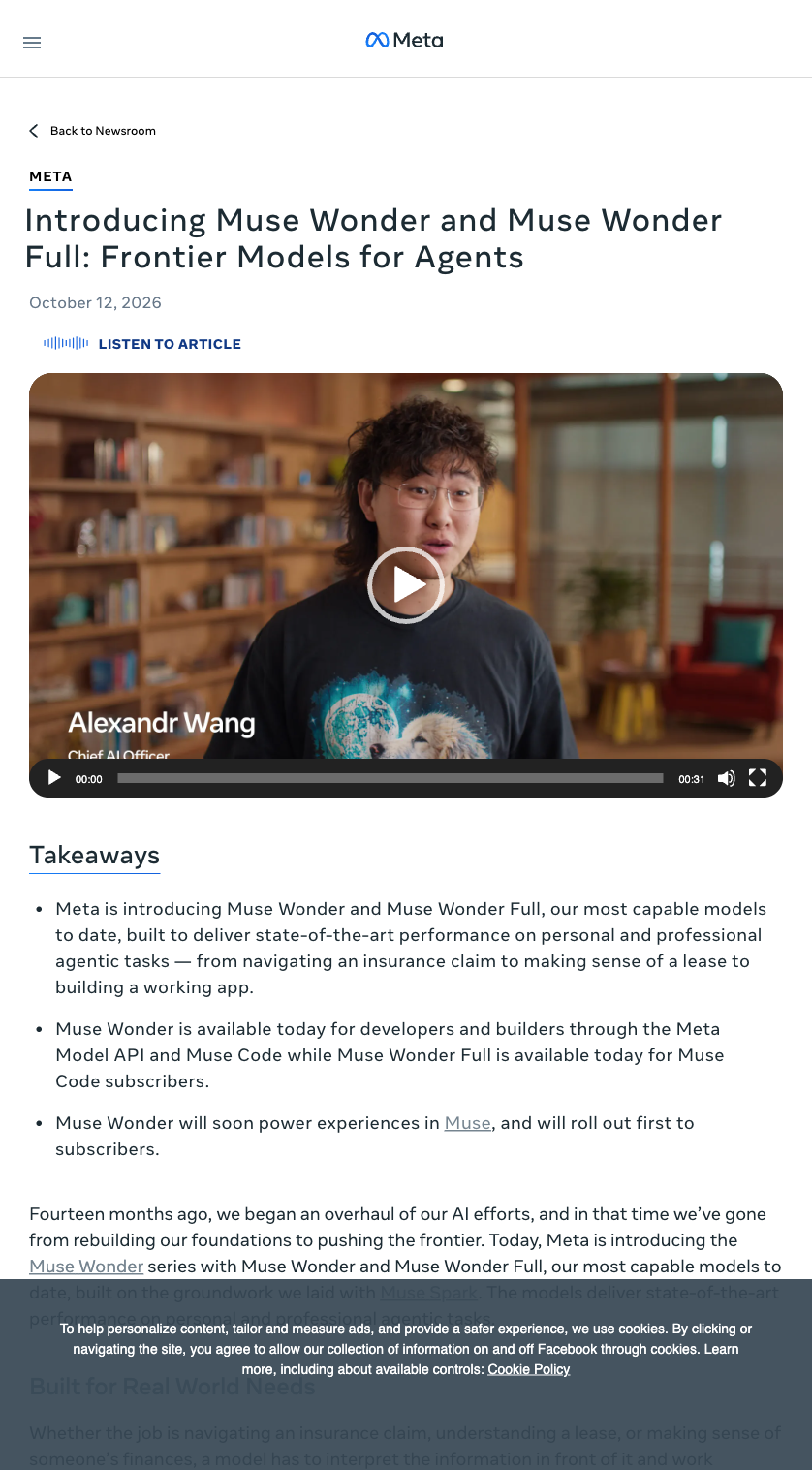
The official English launch page introduces the Muse Wonder family.
According to the official Meta models documentation and subscription docs, Muse Wonder is currently listed as preview, supports a 1,048,576 context window, and offers minimal to max reasoning settings. Keep in mind that Model API availability depends on country, and the official documentation explicitly excludes South Korea.
More importantly, Muse Wonder and Wonder Full are separated across subscription plans and the Model API PAYG channel:
- Model availability inside subscriptions: Muse Wonder is included in every Muse Code subscription plan, whereas Wonder Full is available only in the Power Usage and Maximum Usage plans. Both modes (Contributor mode on or off) can be used within the subscription plans that include the respective model.
- Client restrictions on subscriptions: Muse Code subscriptions operate exclusively through the Muse Code CLI logged into a Meta Model API account. A subscription does not provide a general-purpose API key substitute for unrelated third-party clients or custom gateways.
- Model API PAYG boundaries: On the Model API, pay-as-you-go (PAYG) access for Muse Wonder is Standard mode only. Furthermore, Wonder Full is not offered through the Model API. When checking documentation for configuration, do not apply Spark Contributor model IDs or rates to Wonder.
If your team routes requests through custom coding agents or internal proxy layers—similar to the setups we evaluated in our coding agent router cost and quality test—this boundary directly shapes your integration. An external client or router calling the Model API can only use Muse Wonder on PAYG in Standard mode, and cannot access Wonder Full. Conversely, if a task requires Wonder Full, you must work inside the Muse Code CLI backed by a Power Usage or Maximum Usage subscription.
Comparing the Three Access Paths
The table below summarizes the exact boundaries supported by official documentation across the three options:
| Dimension | Subscription with Contributor Mode On | Subscription with Contributor Mode Off | Model API PAYG (Standard Mode) |
|---|---|---|---|
| Default status in subscription | Yes (default for Muse Code subscriptions) | No (must be turned off in Muse Code settings) | Not applicable (PAYG is Standard mode only) |
| Training use of submissions | Yes; covers prompts, code, files/context, and model responses | Only future submissions are excluded from training (unless re-enabled); no official claim that past submissions are deleted or withdrawn | Standard mode only (non-Contributor) |
| Model availability | Wonder (all plans); Wonder Full (Power Usage and Maximum Usage only) | Wonder (all plans); Wonder Full (Power Usage and Maximum Usage only) | Muse Wonder only; Wonder Full is not available |
| Access client and constraints | Muse Code CLI logged into a Meta Model API account only; not a general API key substitute | Muse Code CLI logged into a Meta Model API account only; not a general API key substitute | Model API PAYG (availability varies by country; South Korea explicitly excluded) |
A Practical Decision Sequence for Developers
Returning to our hypothetical private repository scenario, you can decide how to run your task by walking through three steps in order:
1. Classify the context you plan to send before making a single call
Look closely at the prompts, code, and files/context you want to include, along with the model responses they will generate:
- If the code is open-source, synthetic, or permitted to be used for model training, leaving Contributor mode on in a Muse Code subscription gives you higher usage limits in exchange.
- If the repository context must not be used for training, you must avoid sending it while Contributor mode is active. Because turning Contributor mode off only applies to future submissions and carries no official promise of deleting or withdrawing prior submissions, sending private code first and changing settings later is not a safe workflow.
2. Match your model tier and client to the right access channel
Next, align your required model variant with your tooling:
- If you need direct API calls or third-party client integration: Use Model API PAYG. It runs in Standard mode only, provided Model API is available in your country (noting that South Korea is explicitly excluded) and base Muse Wonder (preview, 1,048,576 context, minimal to max reasoning) meets your needs without Wonder Full.
- If you need Wonder Full or want to use subscription capacity: You must use the Muse Code CLI logged into your Meta Model API account, and subscribe to either the Power Usage or Maximum Usage plan for Wonder Full (or any subscription plan for base Wonder).
3. Check Muse Code settings prior to attaching private context
If you choose the Muse Code CLI subscription path for code that should not be used in training, go to Muse Code settings and turn Contributor mode off before loading your repository context—and make sure it stays off across future sessions.
Contributor mode and Standard mode describe whether submissions are used for training under the published terms. Whichever path you choose, strip secrets, credentials, and production-sensitive data locally before sending the context that is actually needed.